Codex has gone from 5.2 to 5.3-codex and now to GPT-5.4. Agent capability has improved a lot. But when it comes to frontend aesthetics, I still think the output is a mess.
OpenAI recently published a frontend guide, and the community has also shared a lot of methods. The rough ideas are pretty simple:
- GPT-5.4 is strong at images and visual understanding. If you define enough detail, it can reproduce a target surprisingly well.
- For frontend work,
GPT-5.4-lowandGPT-5.4-mediumare usually better choices.hightends to overthink and drift back toward the most generic design. - The more specific you are about elements, color, spacing, layout, and references, the better the result. But for most vibe-coding users, getting that specific about design is hard.
OpenAI also released an official frontend design skill. So I tried three workflows against the same prompt to compare the design quality more directly.
The actual prompt I used was in Chinese:
设计一个东京旅游介绍网站,春天樱花季节
English translation: Design a Tokyo travel website for cherry blossom season in spring.
Table of contents
Open Table of contents
Workflow 1: GPT-5.4-high + plan, no skill
I started with the most direct setup: GPT-5.4-high with plan mode, no skill, and no extra help.
The result was rough. The typography was hard to read. The layout felt awkward. And while I was not asking for perfectly accurate imagery, the image content was still wrong in a basic way. For a cherry-blossom travel site, some of the pictures did not even show cherry blossoms. I honestly do not know what the model was thinking there.
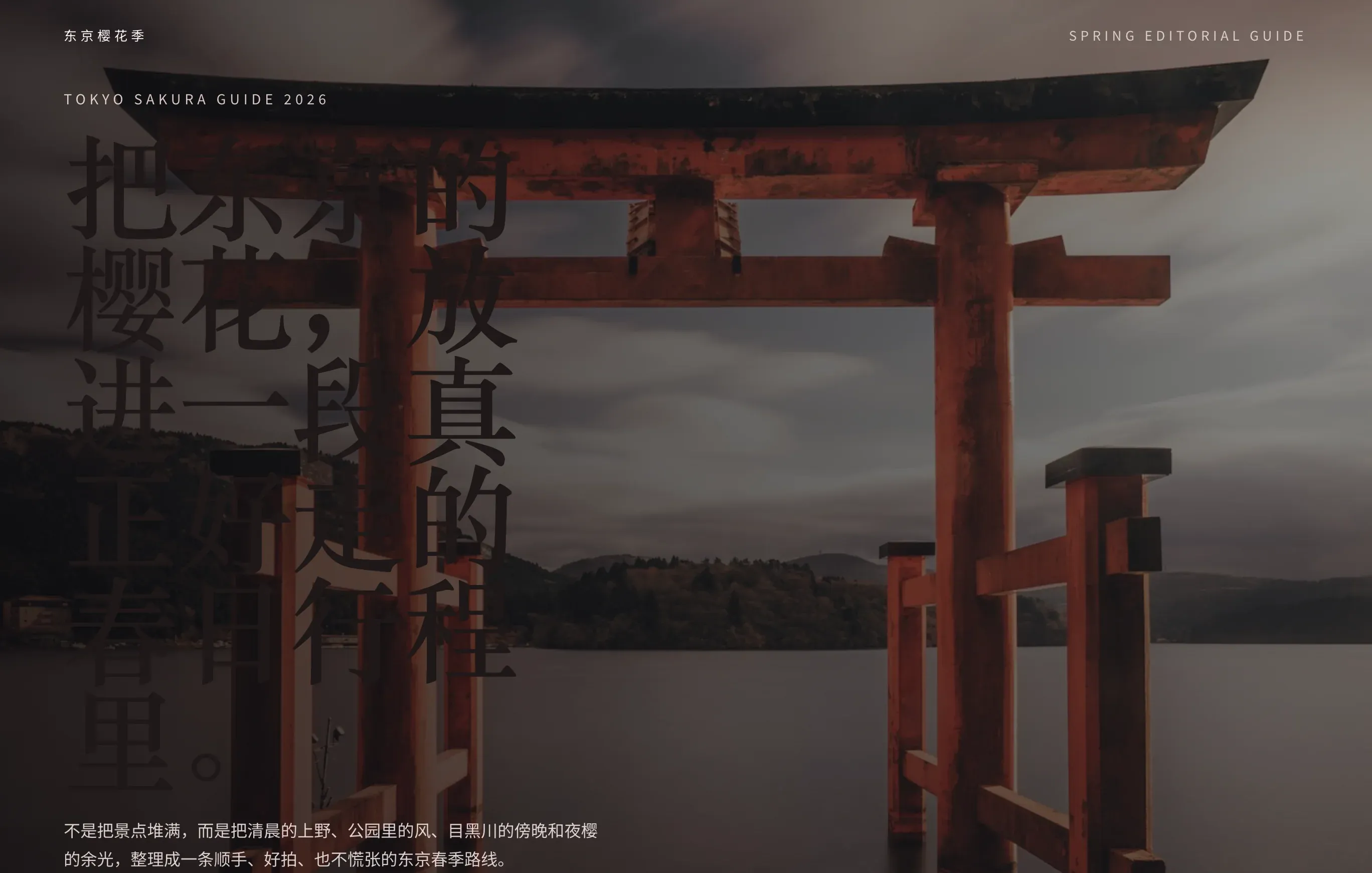
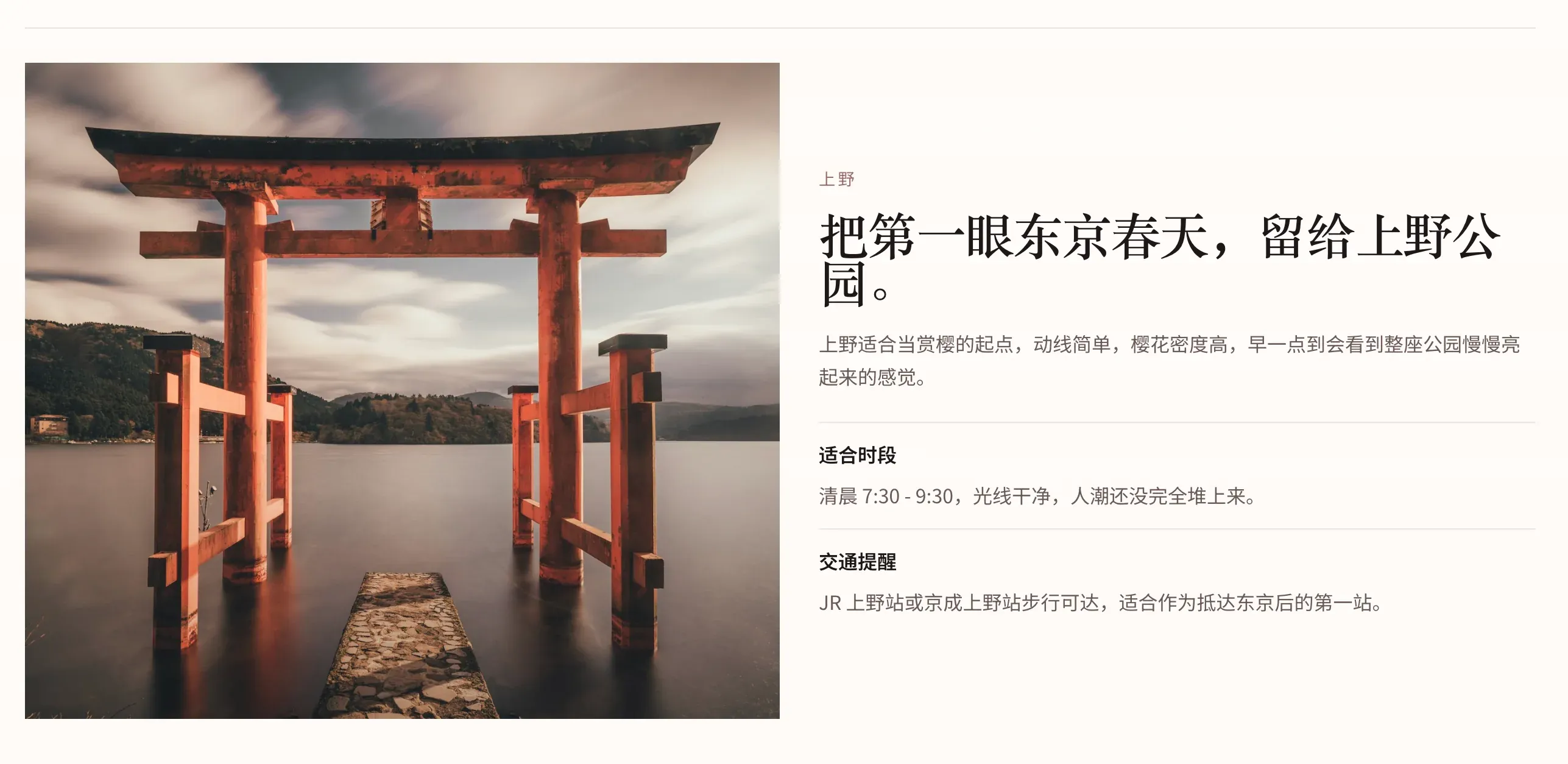
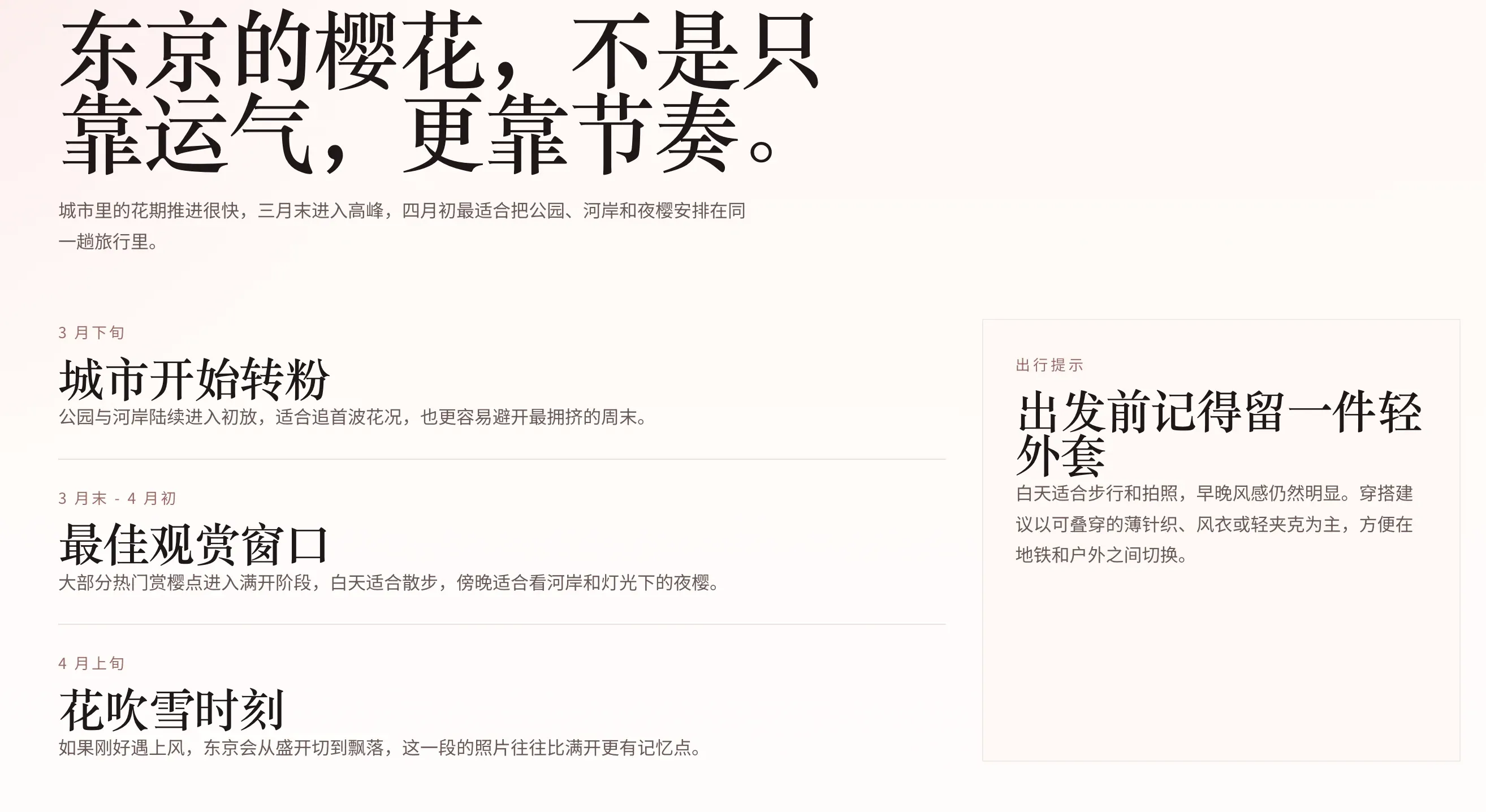
Workflow 2: Official frontend skill + GPT-5.4-medium + Plan
The second setup was the official frontend design skill with GPT-5.4-medium and Plan.
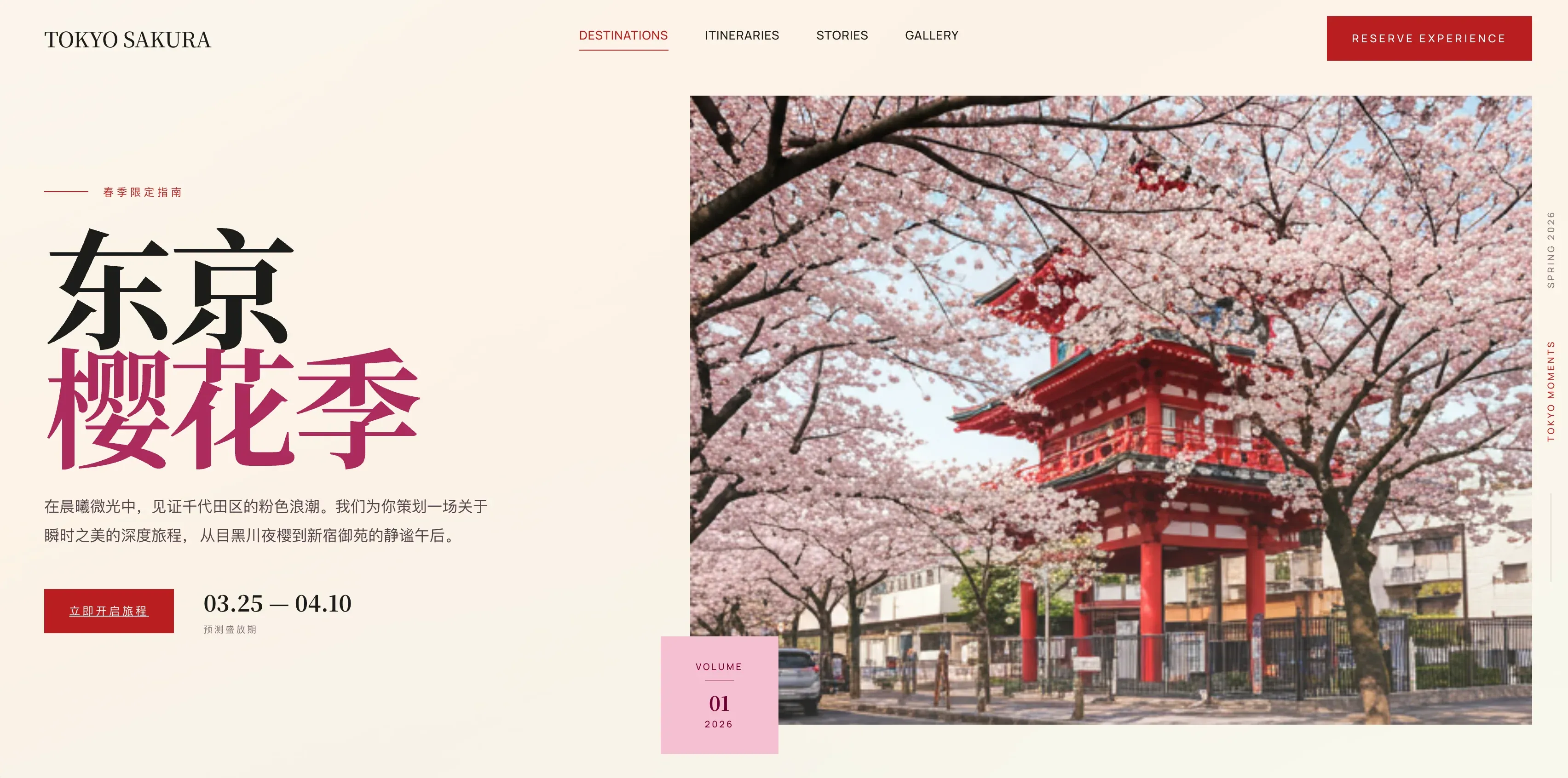
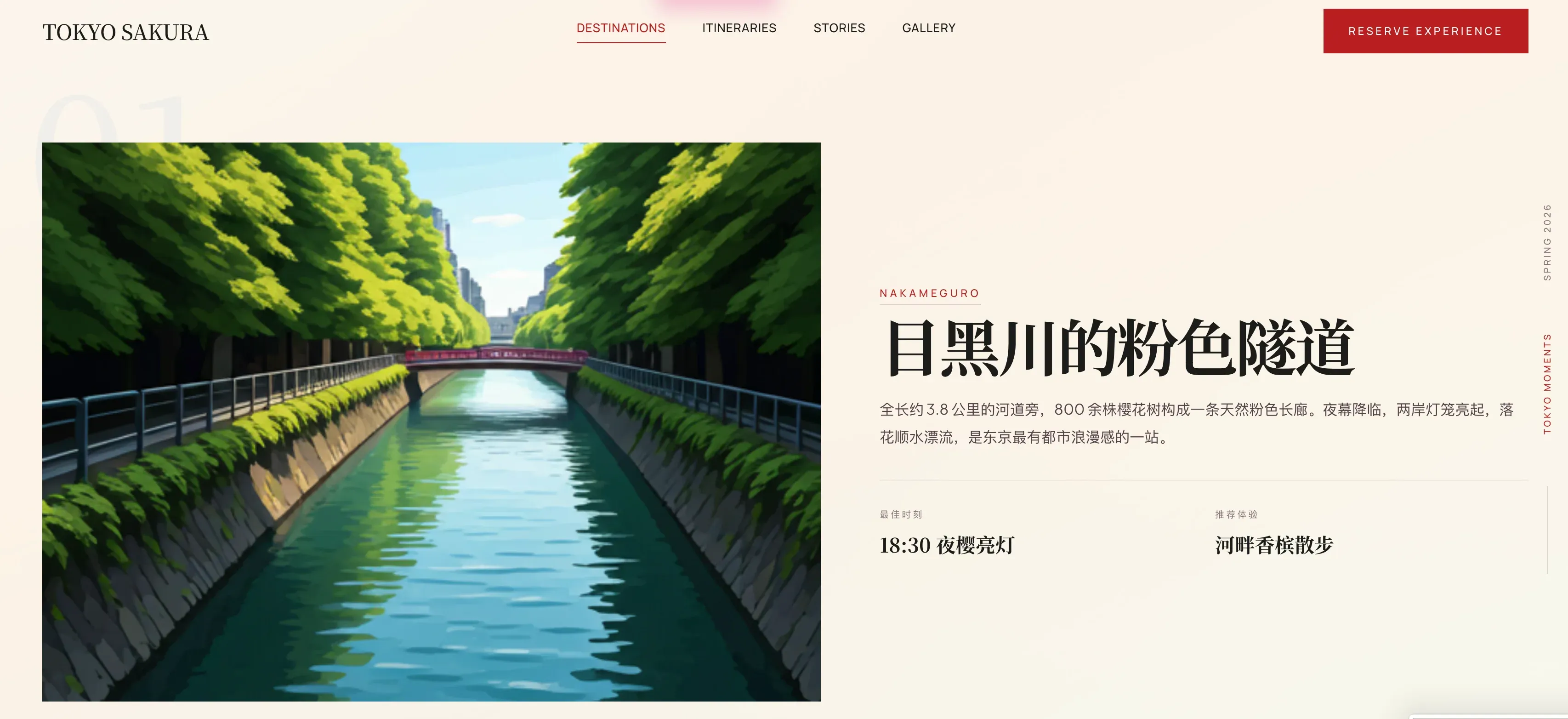
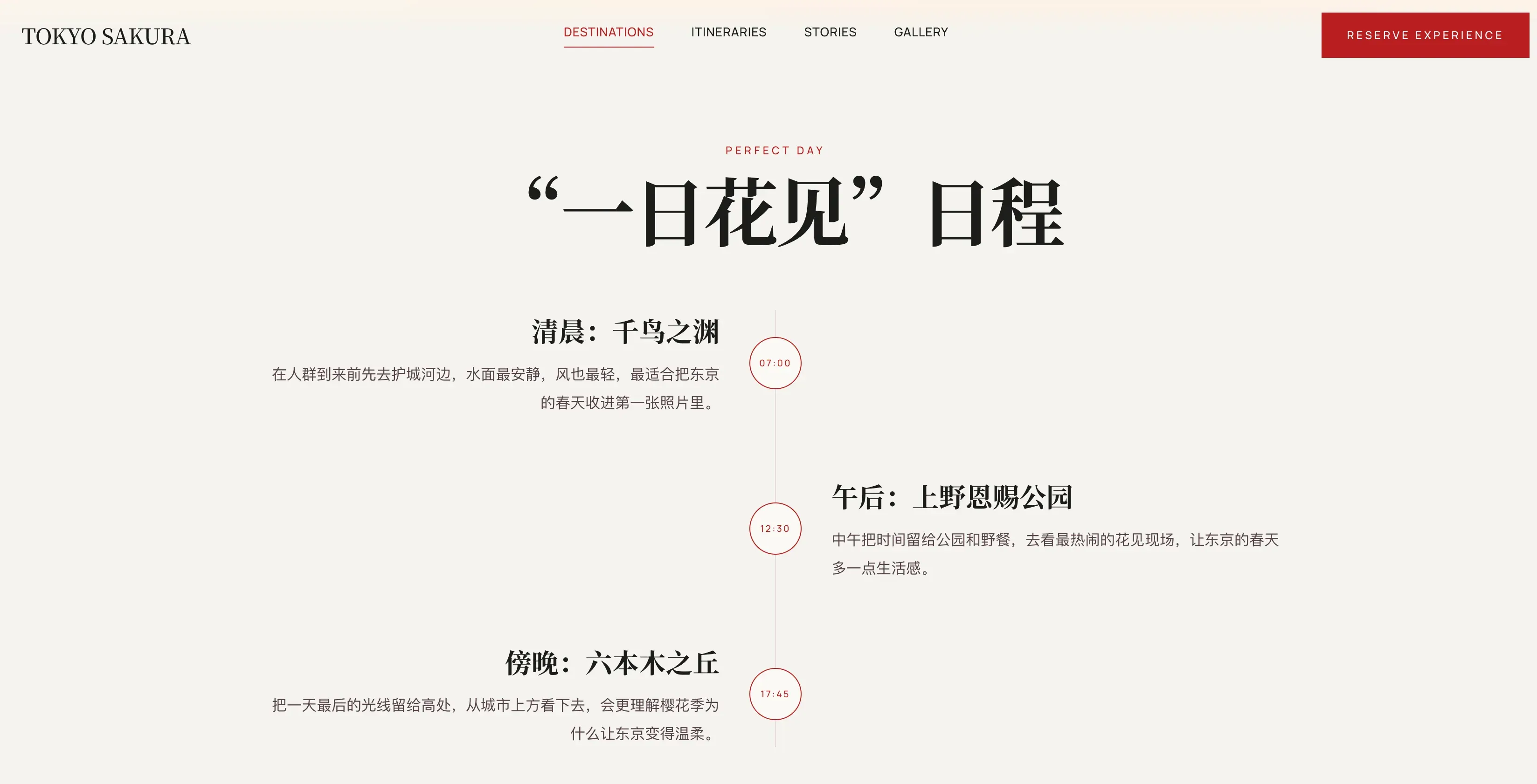
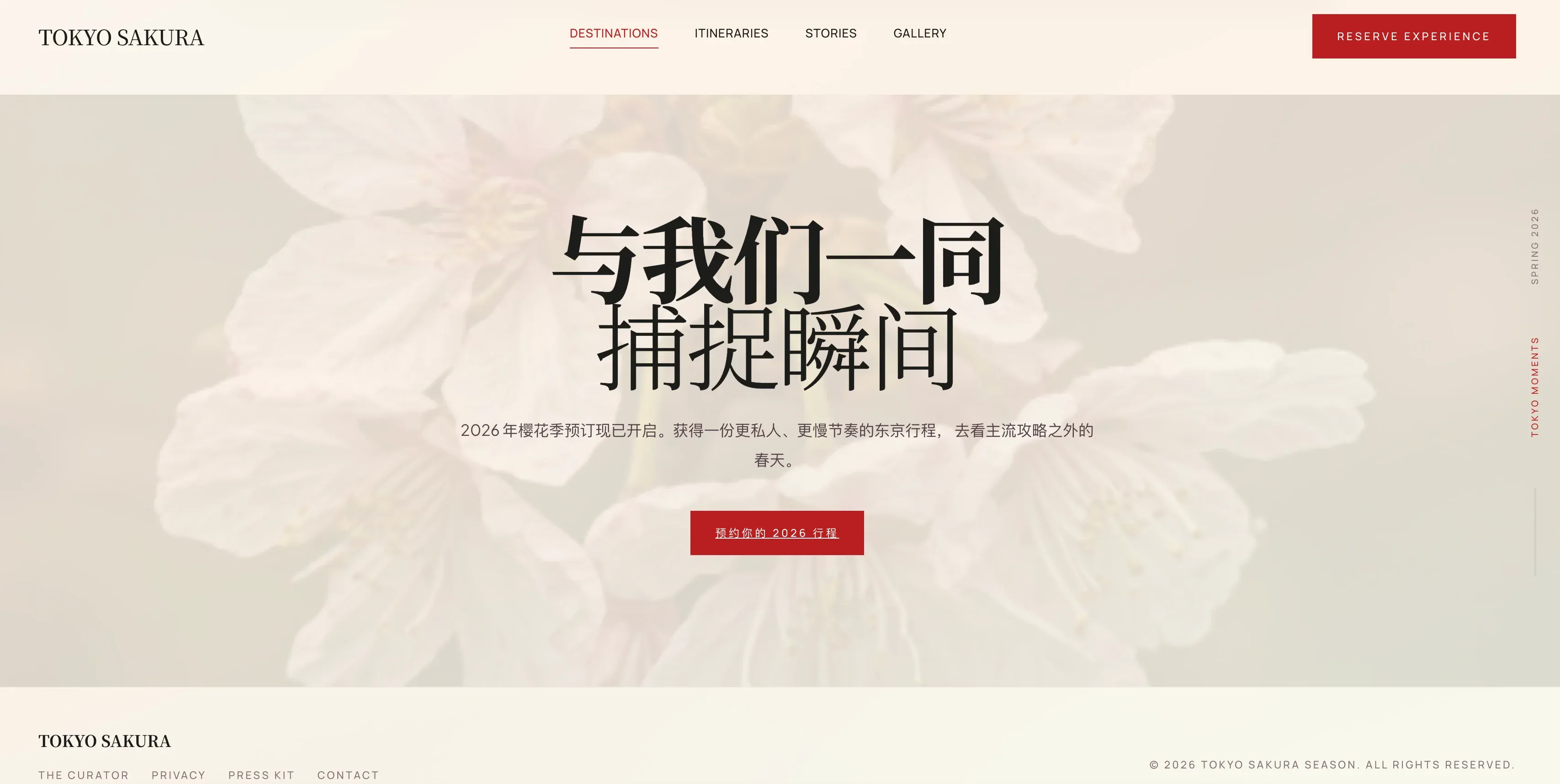
There were still some issues, but overall I think the design became usable. For such a simple prompt, getting this level of output already feels like a major improvement compared with Codex working alone.
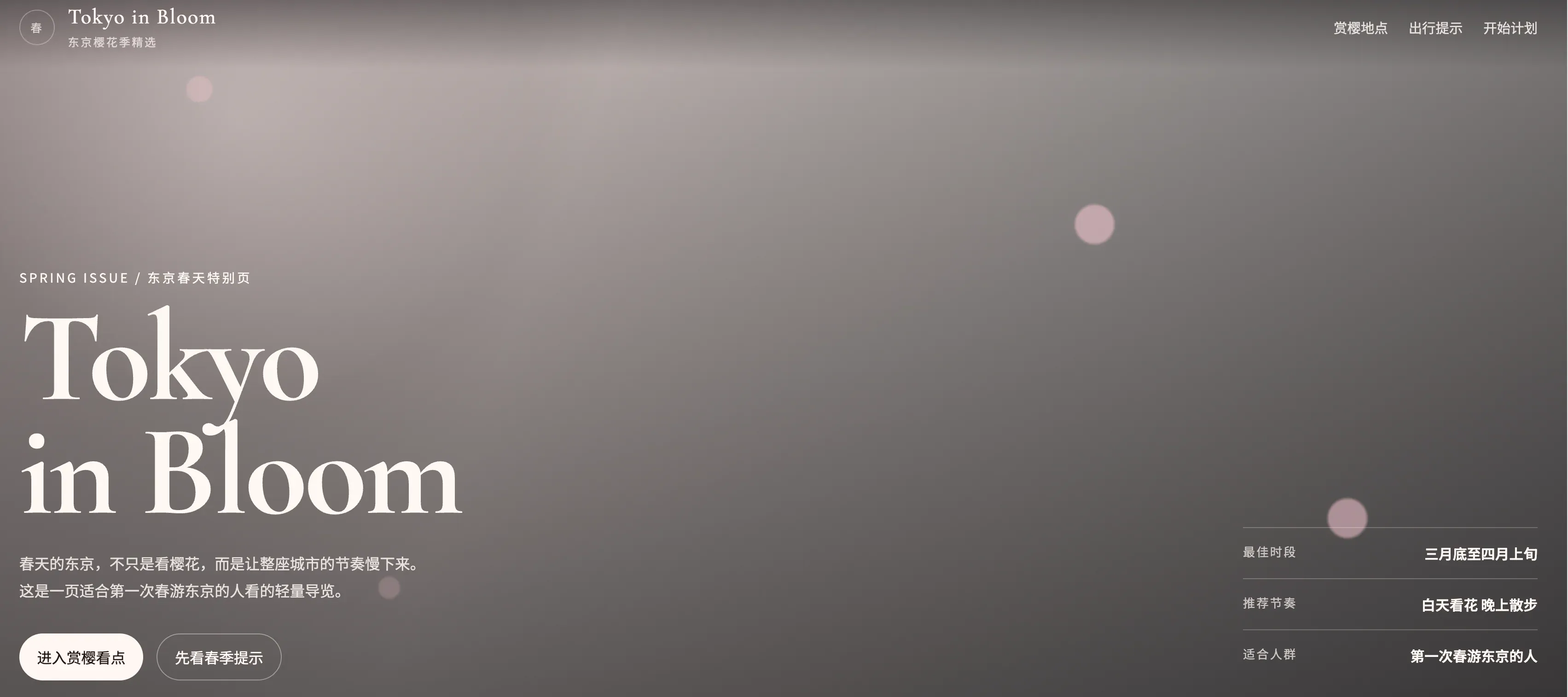



Workflow 3: Codex + Stitch MCP
The third setup was codex + Stitch MCP.
This is basically Codex calling Google Stitch to do the design work.
Because of that, the prompt could not stay as simple as before. Besides the Chinese prompt above, I also had to ask for close reproduction, make it explicit that GPT should not invent the design direction itself, and specify the tech stack, for example React. I still used GPT-5.4-medium.
From the result, I do not think it was obviously stronger than the codex + skill combination. There were some nice touches, and it could even generate some images on its own, although the direction still needed adjustment.
The more meaningful advantage was iteration. You can go straight into the corresponding Stitch project, edit it there, and then let Codex sync the changes back through MCP. For example, changing it into an English version with a white background was very easy. On that front, Stitch is stronger than a pure skill. It is not amazing, but it is still much better than asking GPT-5.4 to keep iterating on the design by itself.
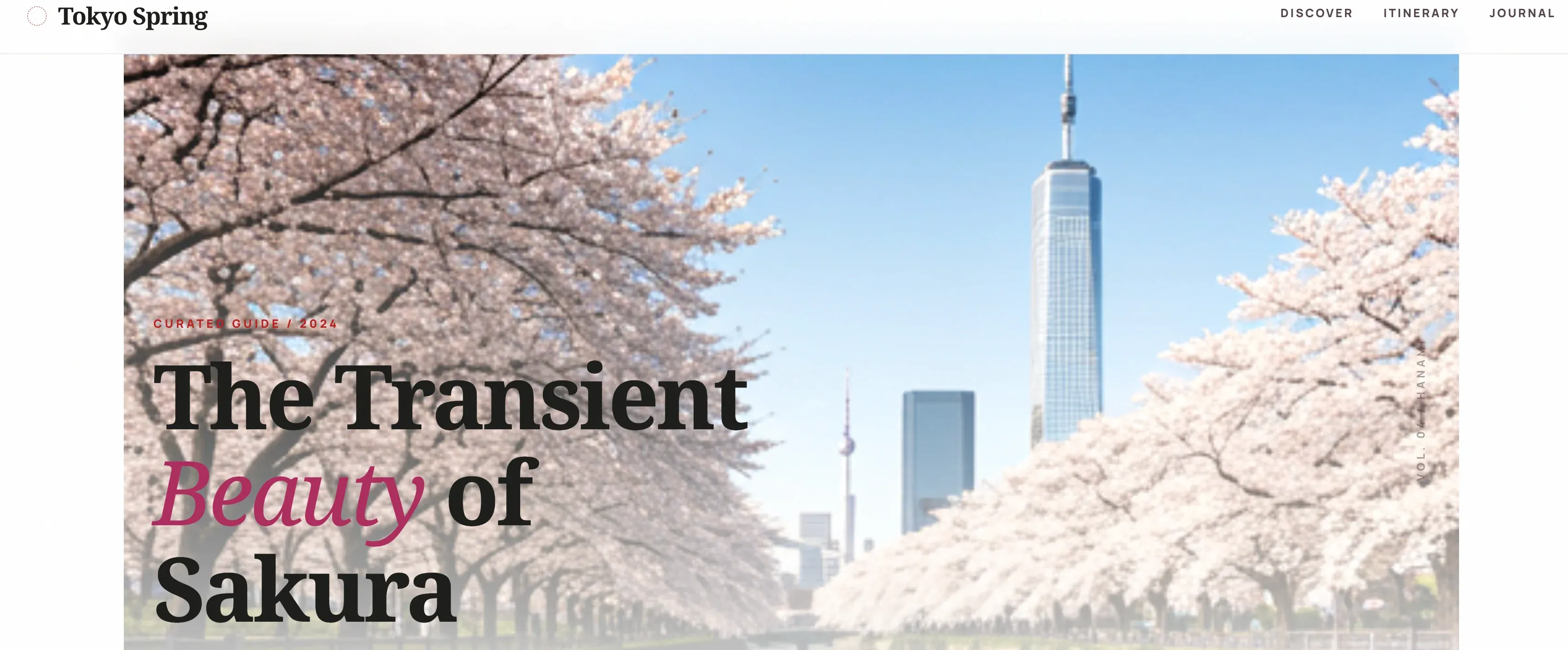
Claude Opus 4.6 with the same simple prompt
I also tested Claude Opus 4.6 with the same simple prompt. Again, the actual prompt I used was in Chinese:
设计一个东京旅游介绍网站,春天樱花季节
English translation: Design a Tokyo travel website for cherry blossom season in spring.
This was the version I liked the most.
The falling cherry-blossom effect, the scrolling, the copy, and the card design all felt right. It was very close to a version that barely needed major edits.
That is why a lot of community opinions keep landing in the same place: at least for frontend aesthetics, after all the tweaking, it is often easier to just use Claude.

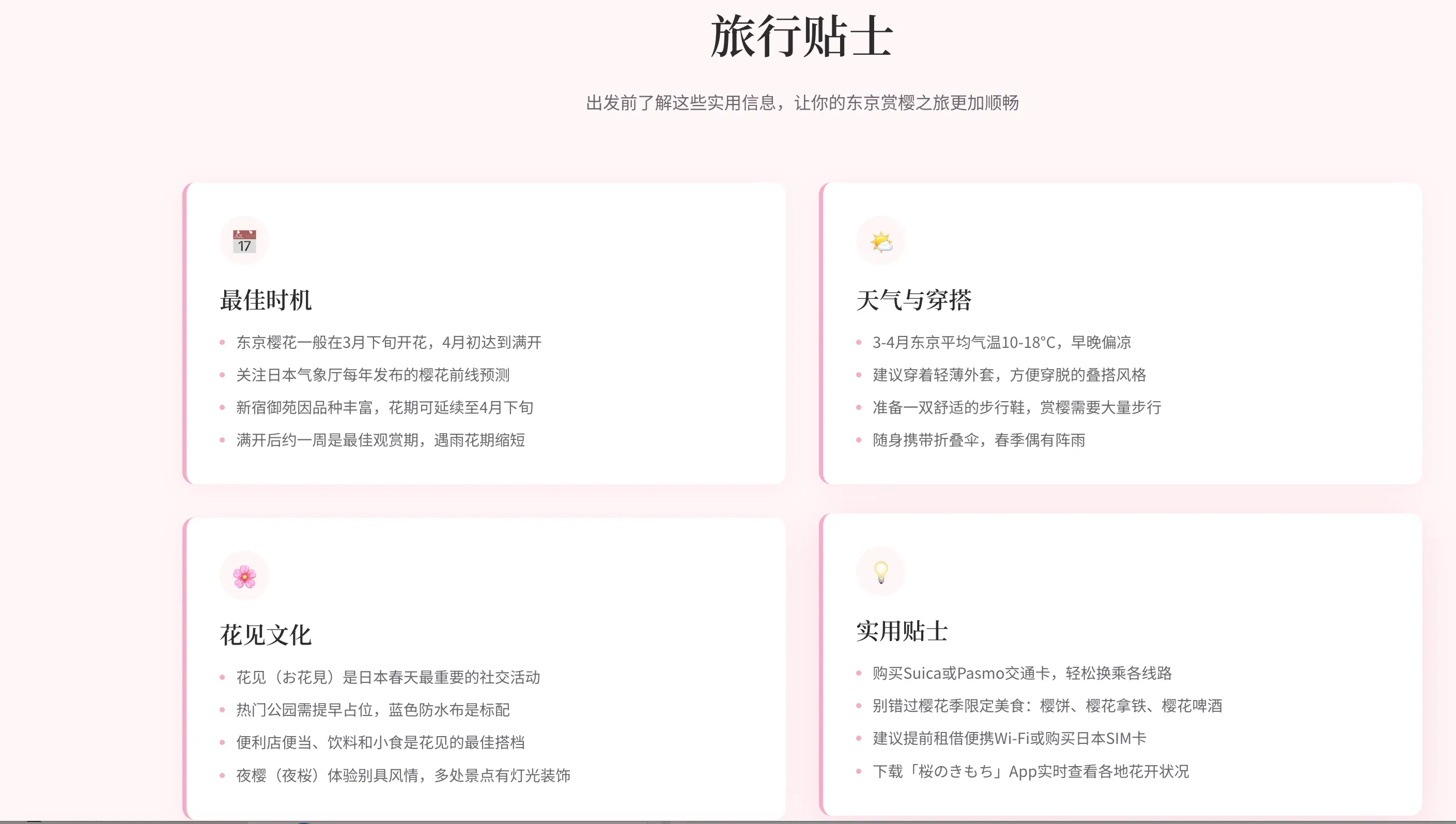


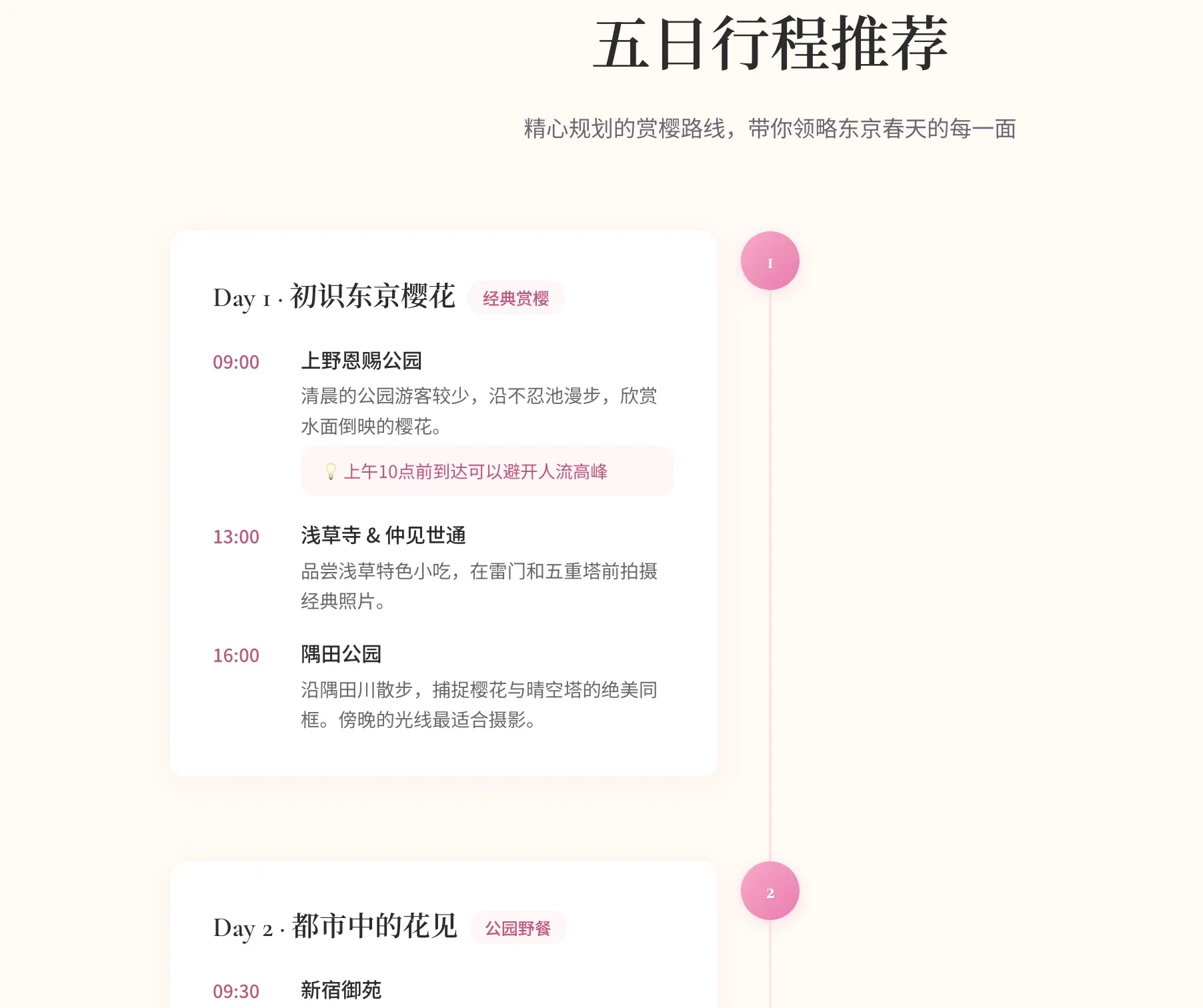
My takeaway is simple: Codex can improve a lot with better workflow choices, official skills, and Stitch. But if the goal is the best-looking frontend from a simple prompt, Claude still wins for me.