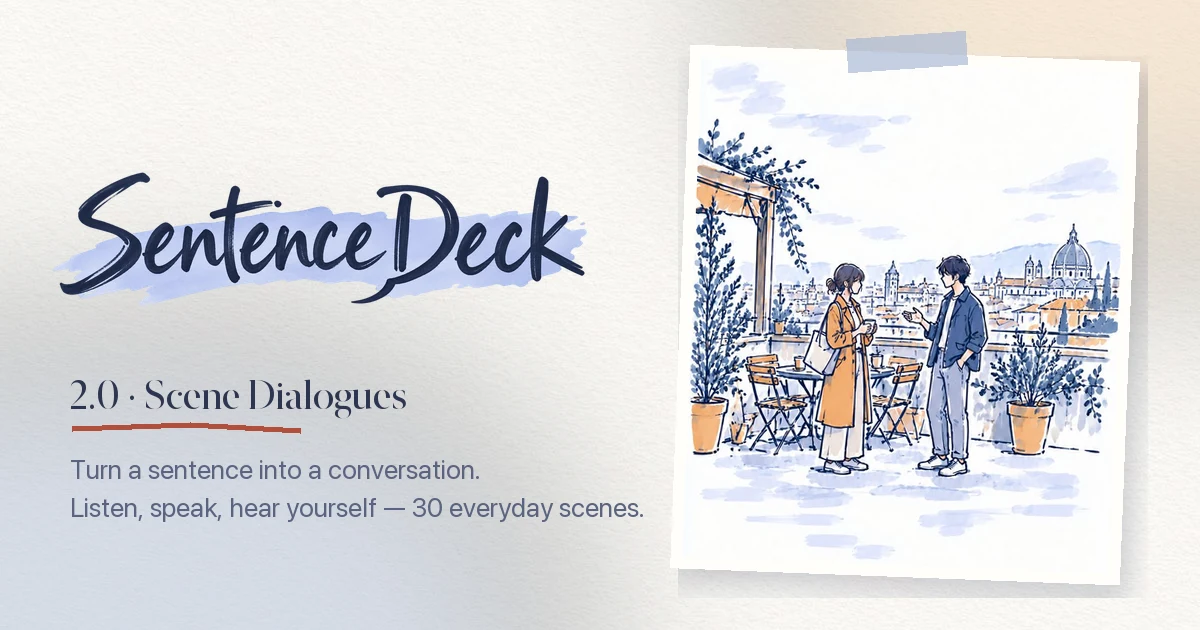
SentenceDeck 2.0 is available on the App Store. Released October 7, 2026. Read the 2.0 release post for the story behind Scene Dialogues.
Turn a sentence into a conversation
SentenceDeck started as a way to shadow your own text one sentence at a time. Version 2.0 adds the other half of speaking practice: saying your lines in an actual exchange. Pick an everyday scene and a level, and SentenceDeck gives you a short dialogue to practice with a partner voice, line by line.
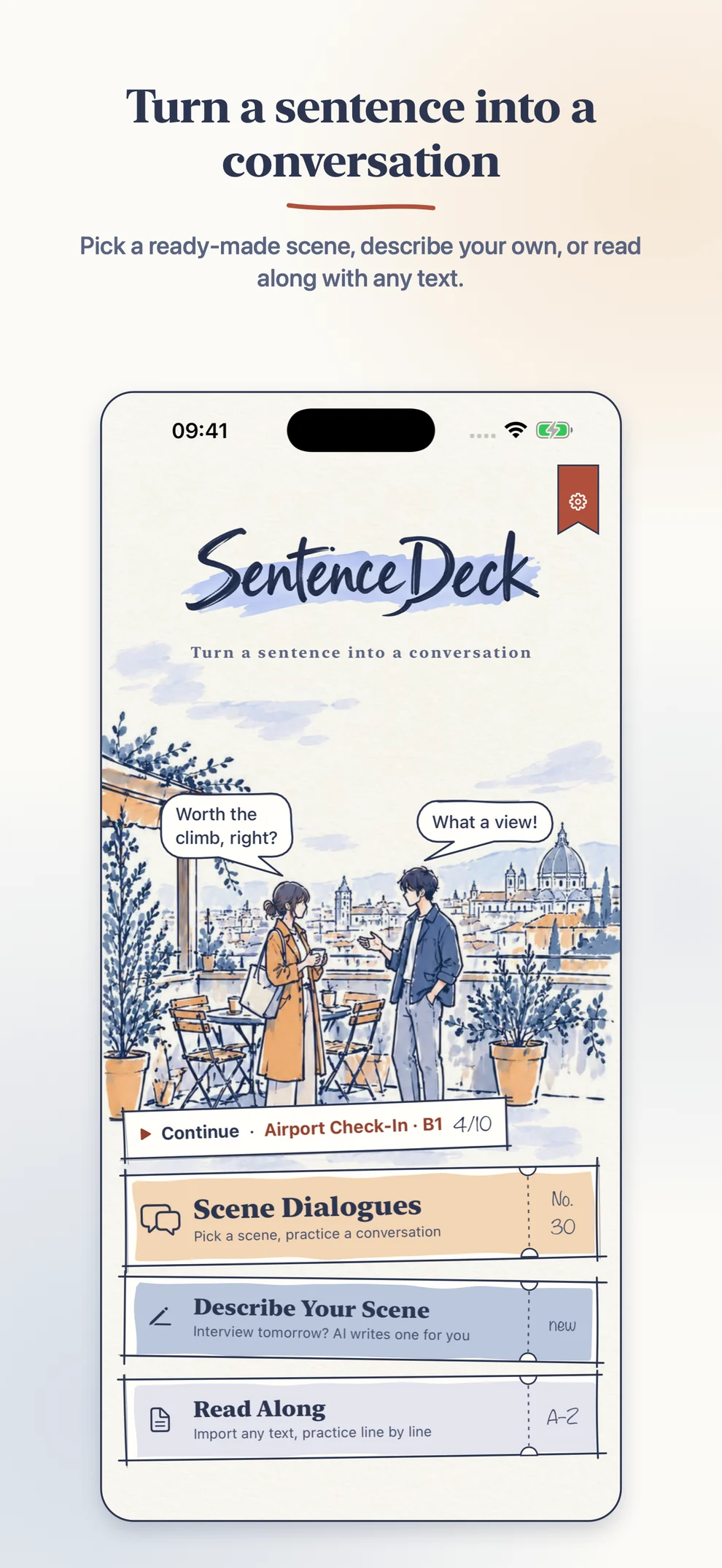
The whole app is redrawn as a hand-drawn sketchbook, with a night sketchbook in Dark Mode. The title screen offers three tickets: Scene Dialogues, Describe Your Scene, and Read Along. SentenceDeck runs on iPhone and iPad, with the interface in 10 languages.
Scene Dialogues
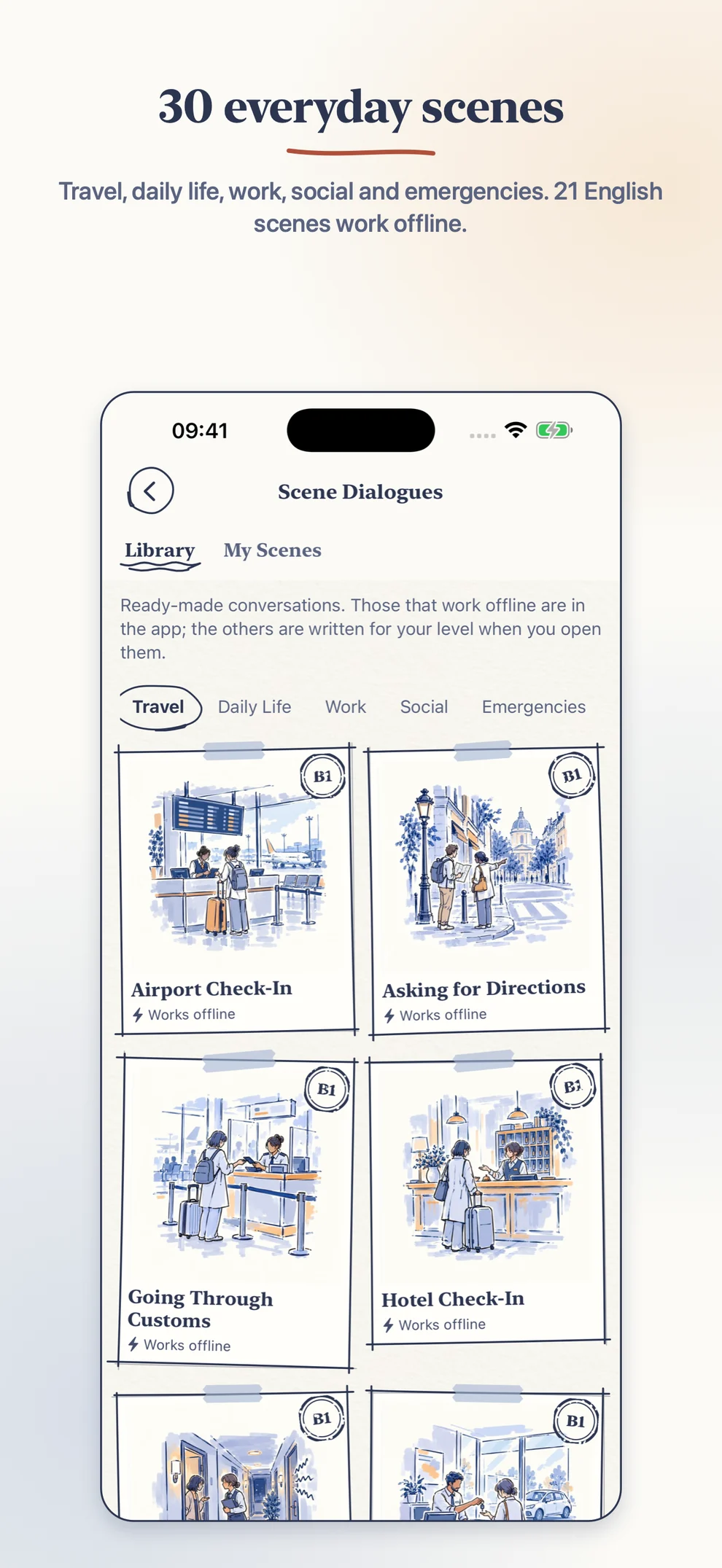
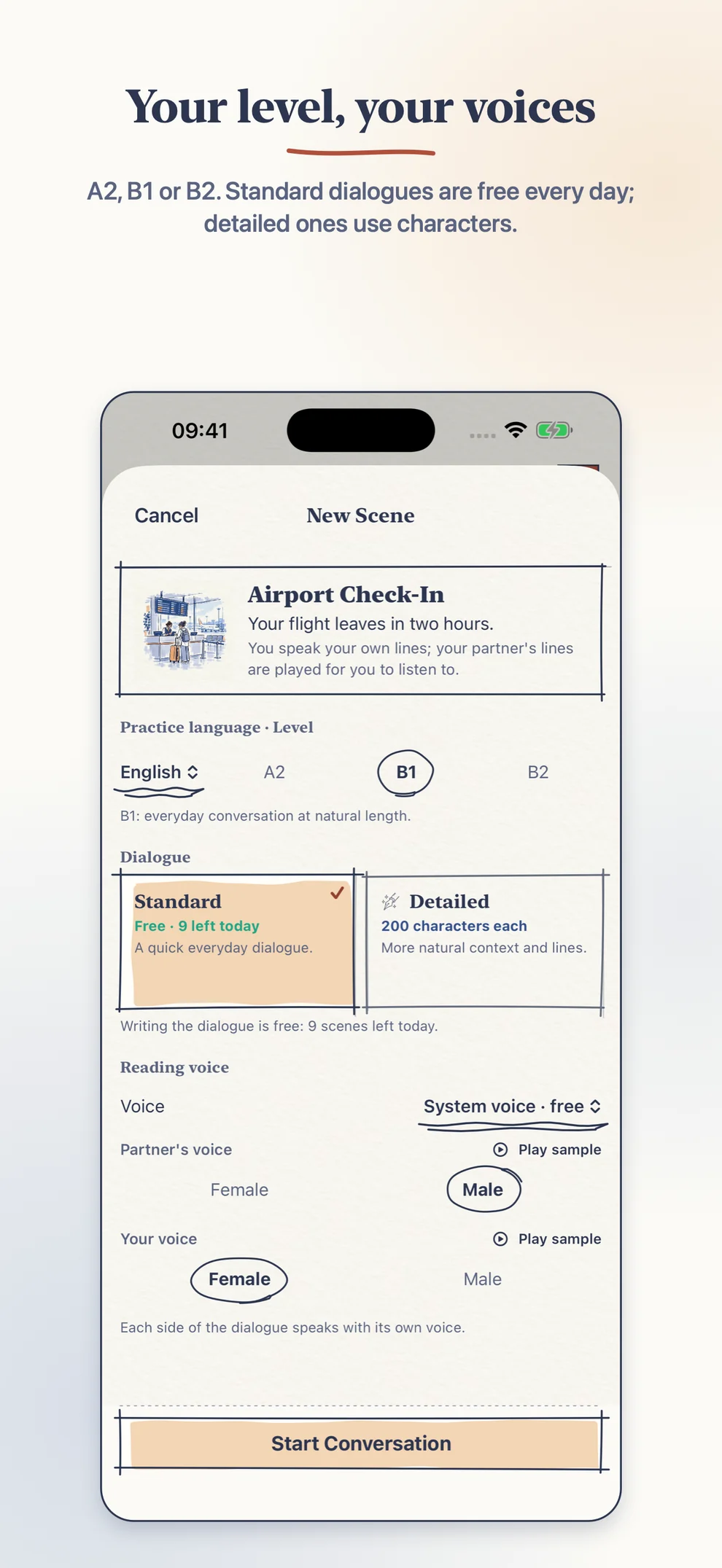
Choose from 30 everyday scenes in five categories: Travel, Daily Life, Work, Social, and Emergencies. Pick a level (A2, B1, or B2), and AI writes a short dialogue for that level, with line-by-line translations in your interface language.
Twenty-one built-in English scenes at B1 come with their audio included. They work offline and are free.
New dialogues come in two options:
- Standard is free, up to 10 new dialogues per day.
- Detailed writes a fuller dialogue and uses 200 characters. The cost is shown before you start, and nothing is charged if generation fails or the same dialogue is returned from the cache.
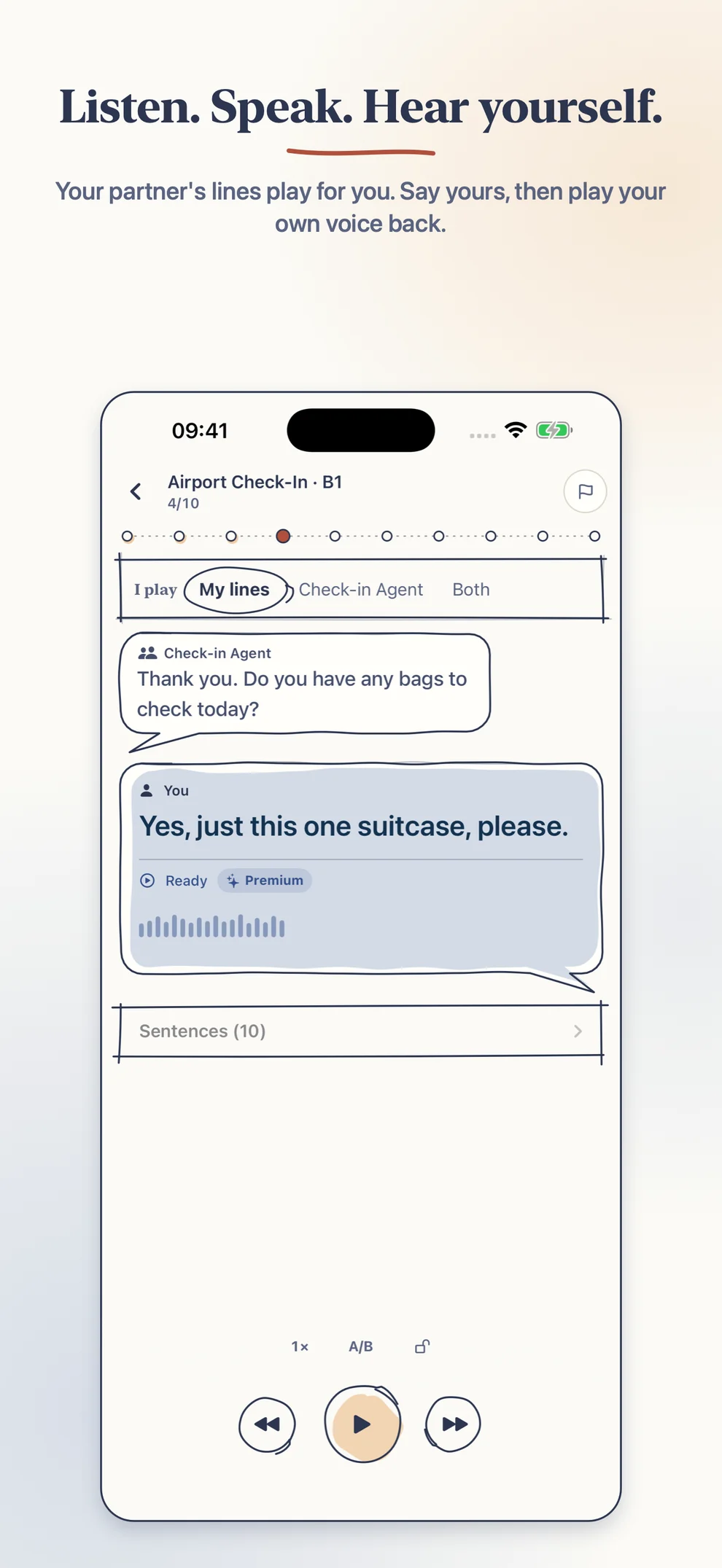
Listen. Speak. Hear yourself.
On the stage, you hear your partner’s line, say yours, and recording stops on its own when you finish. Then you hear yourself straight back. Practice your own lines, swap roles, or take both sides. A/B compare, sentence lock, and playback speed from 0.75× to 1.5× work here too.
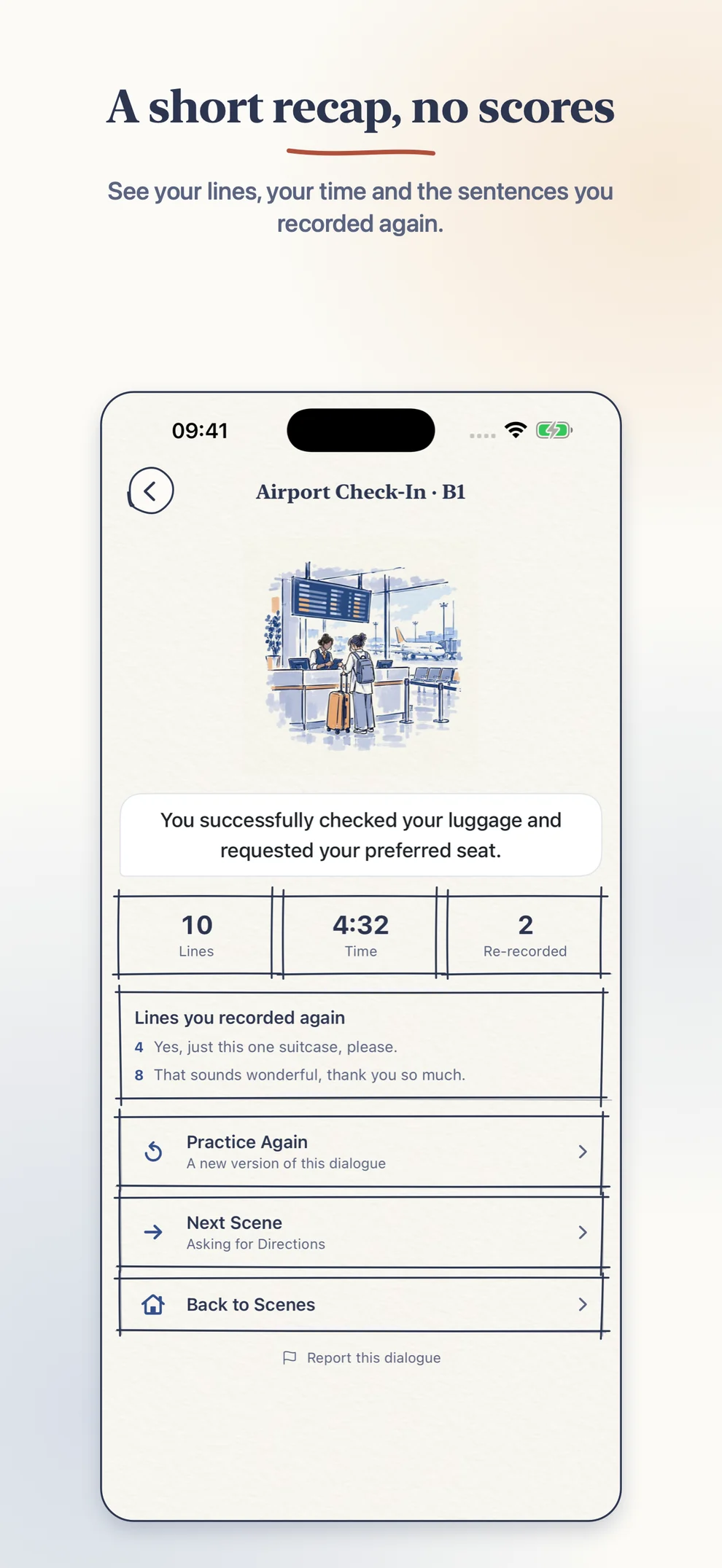
When you finish a scene, a short recap shows how many lines you practiced, how long it took, and how many lines you re-recorded. There are no scores, grades, corrections, or rankings. You decide what sounds better on the next try.
A stamp for every scene
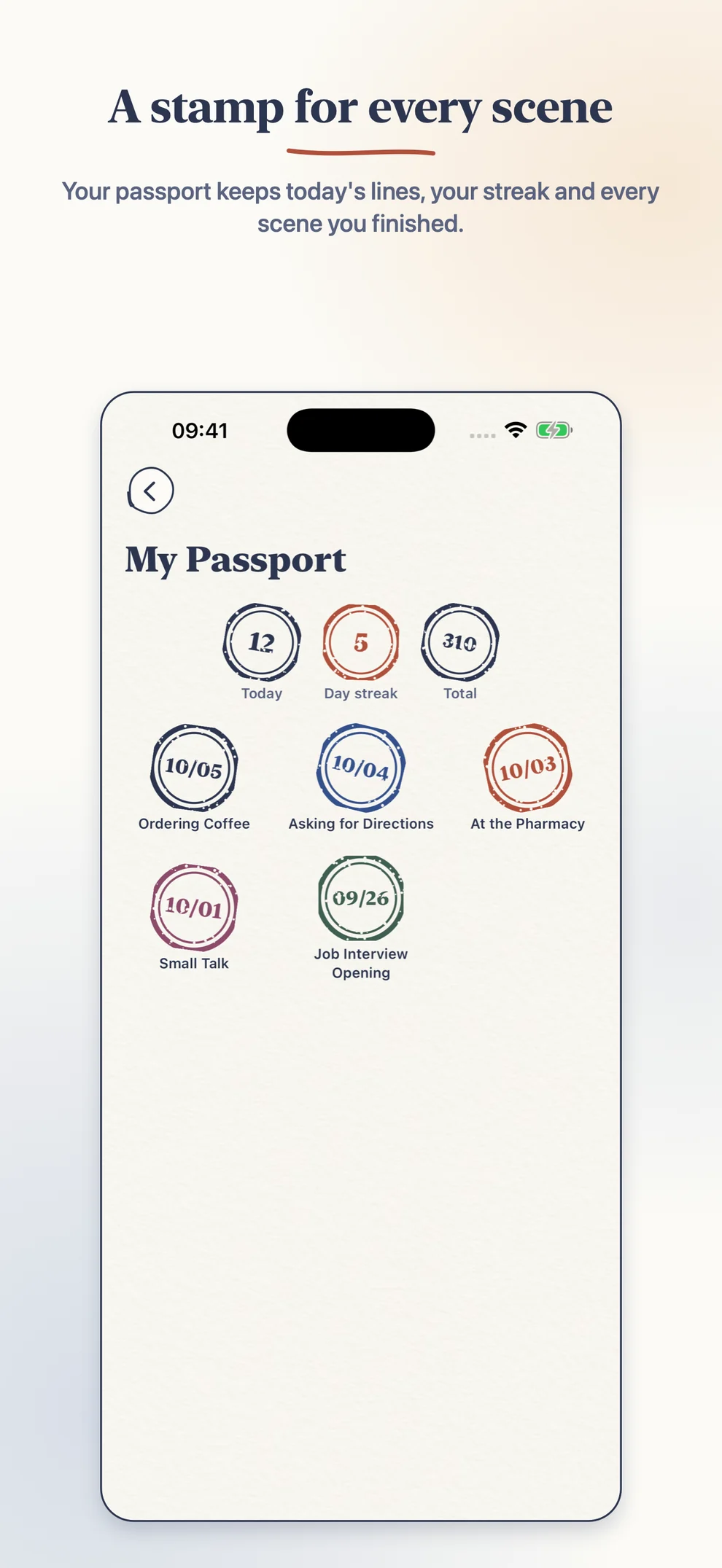
My Passport collects a stamp for each scene you finish, alongside today’s lines, your day streak, and your total. My Scenes keeps every dialogue you have practiced, with all of its versions, and you can search it.
Describe your own scene
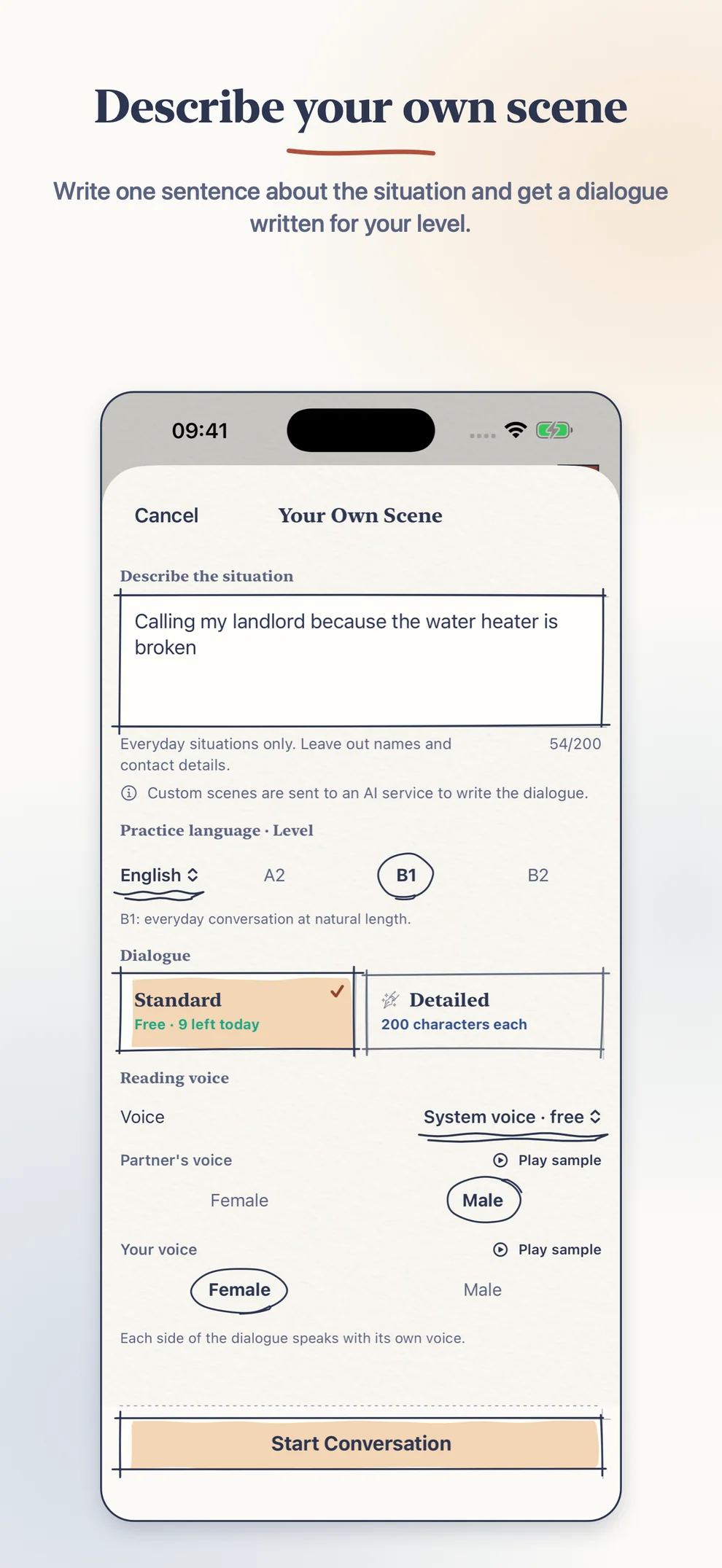
If the library does not have the situation you need, describe it in one sentence (up to 200 characters) and SentenceDeck writes a dialogue for it. Custom scenes are for everyday situations. Your description is sent through our server to Google Cloud’s AI service only after you agree once, and it is not stored. Leave out names and contact details; descriptions with web addresses, email addresses, or phone numbers are refused before they reach the AI service. You can report any AI-written dialogue from the stage or the recap.
Read Along
The 1.5 practice loop is still here. Paste or import an article, dialogue, transcript, or script, and SentenceDeck splits it into sentences so you can listen, speak, and compare one sentence at a time.
Voices
System voice uses Apple’s on-device speech engine. It is free, works offline, and has no limit.
Premium voice sounds more natural and speaks scene lines in the mood of the scene. It uses characters once, when a sentence is first generated; replaying the saved audio is free. You can pick a voice for each side of a dialogue and listen to free samples first.
Characters, not a subscription
Premium voice and Detailed dialogues use prepaid character packs:
- 6,000 characters
- 30,000 characters
- 72,000 characters
Characters never expire. Prices are shown by the App Store and may vary by region. There is no subscription and no account.
Keep your audio
Generated audio stays on your device. Backup & Restore (formerly Backup & Export) saves your scenes and articles, with their generated audio, as a SentenceDeck ZIP that you can bring back later without generating audio again or using characters.
On first launch, a short animated intro shows how it all fits together. You can watch it again from Settings → Replay Intro.
Privacy by design
- No SentenceDeck account or sign-up is required.
- Microphone recordings and practice progress stay on your device.
- System voice and the built-in offline scenes work without sending your text to our server.
- Premium voice sends the sentence text and its voice settings through our server, a Cloudflare Worker, to Google Cloud’s AI speech service.
- Scene dialogues are written by Google Gemini models on Google Cloud Vertex AI, through our server.
- A custom scene description is sent only after you agree, and it is not stored.
- No advertising SDKs and no cross-app tracking.
Read the full SentenceDeck Privacy Policy or visit Support for scene, voice, backup, and purchase help.