A faster way to notice sugar
SugarCurfew is built around a simple idea: sugar should be easier to see before you drink or eat it.
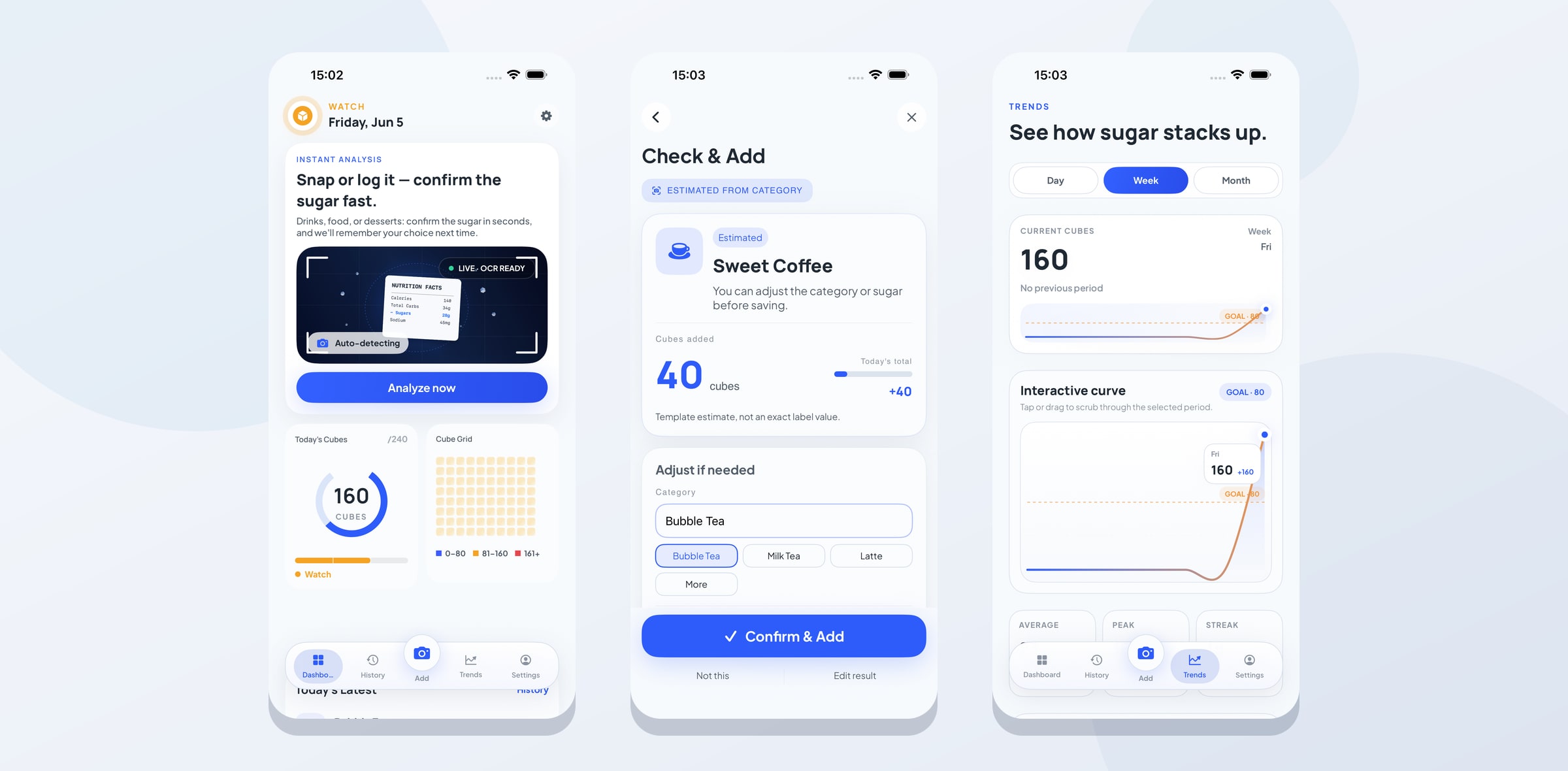
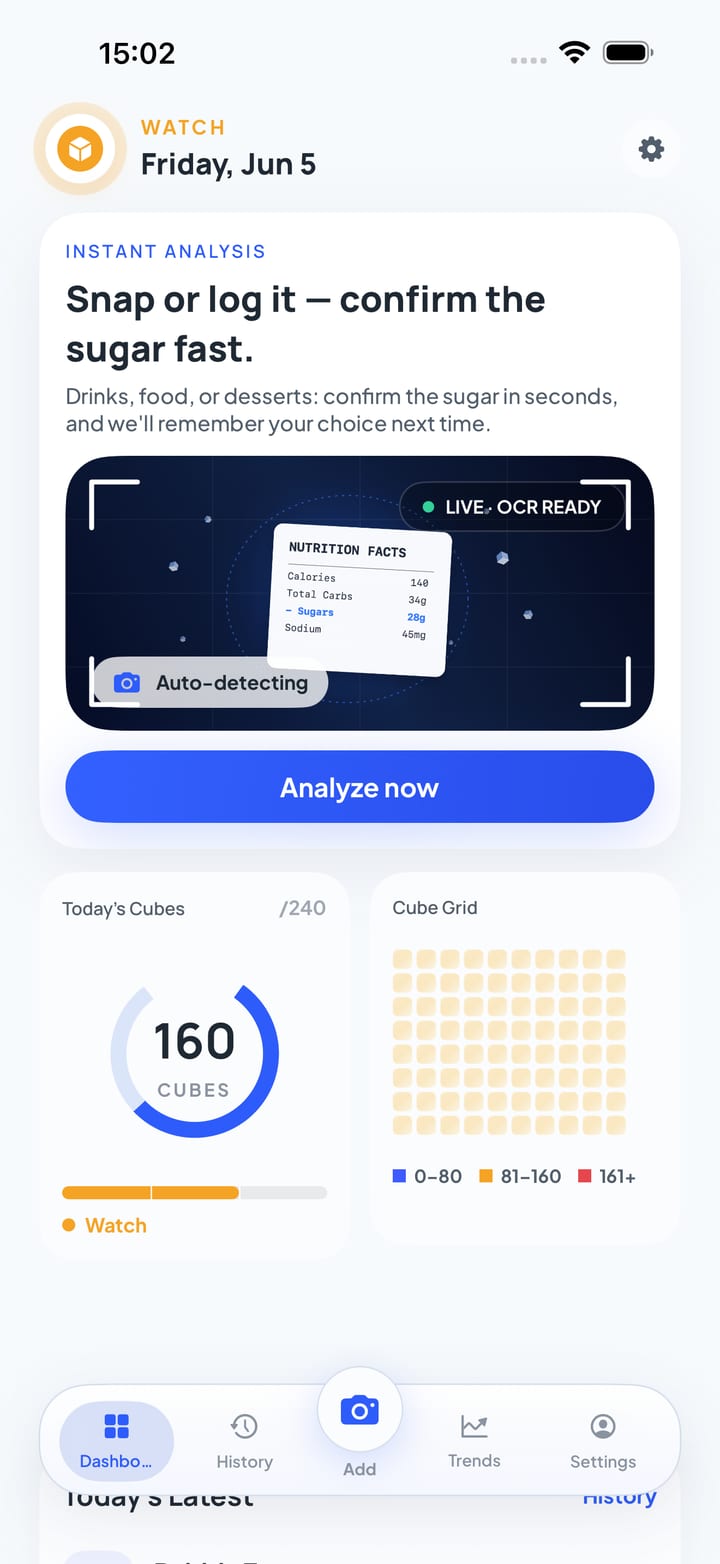
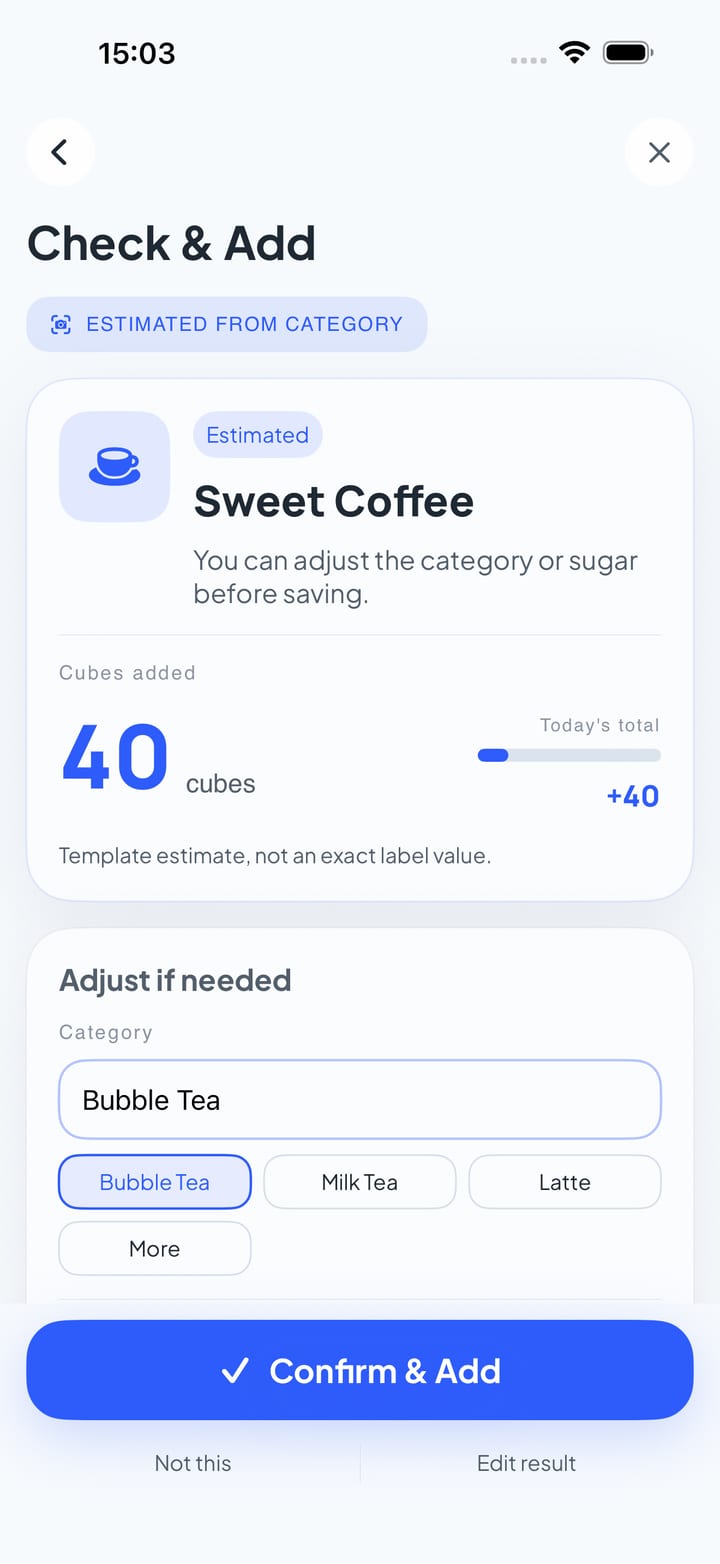
The app helps you log drinks, desserts, and packaged foods in a quick, visual way. You can take a photo, review the suggested result, edit anything that looks wrong, and save the entry only after you confirm it.
Snap or log manually
SugarCurfew supports two everyday paths:
- Photo Add for nutrition labels, drink cups, packaged foods, desserts, and other visible items.
- Manual logging when you already know what you want to record.
Photo Add is designed as a confirmation flow, not a silent auto-log. The app may estimate a category or sugar amount, but the final save always depends on your explicit confirmation.
Cube-based tracking
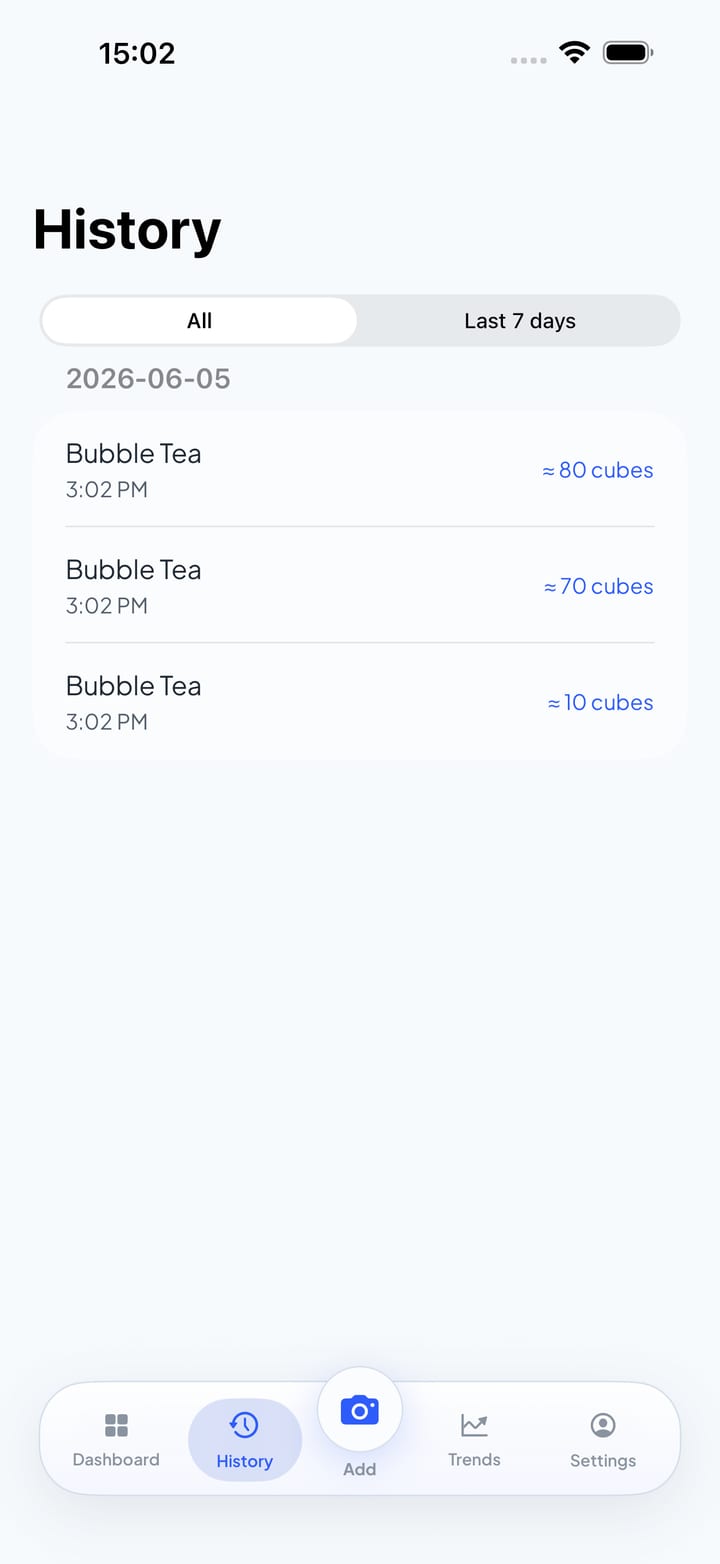
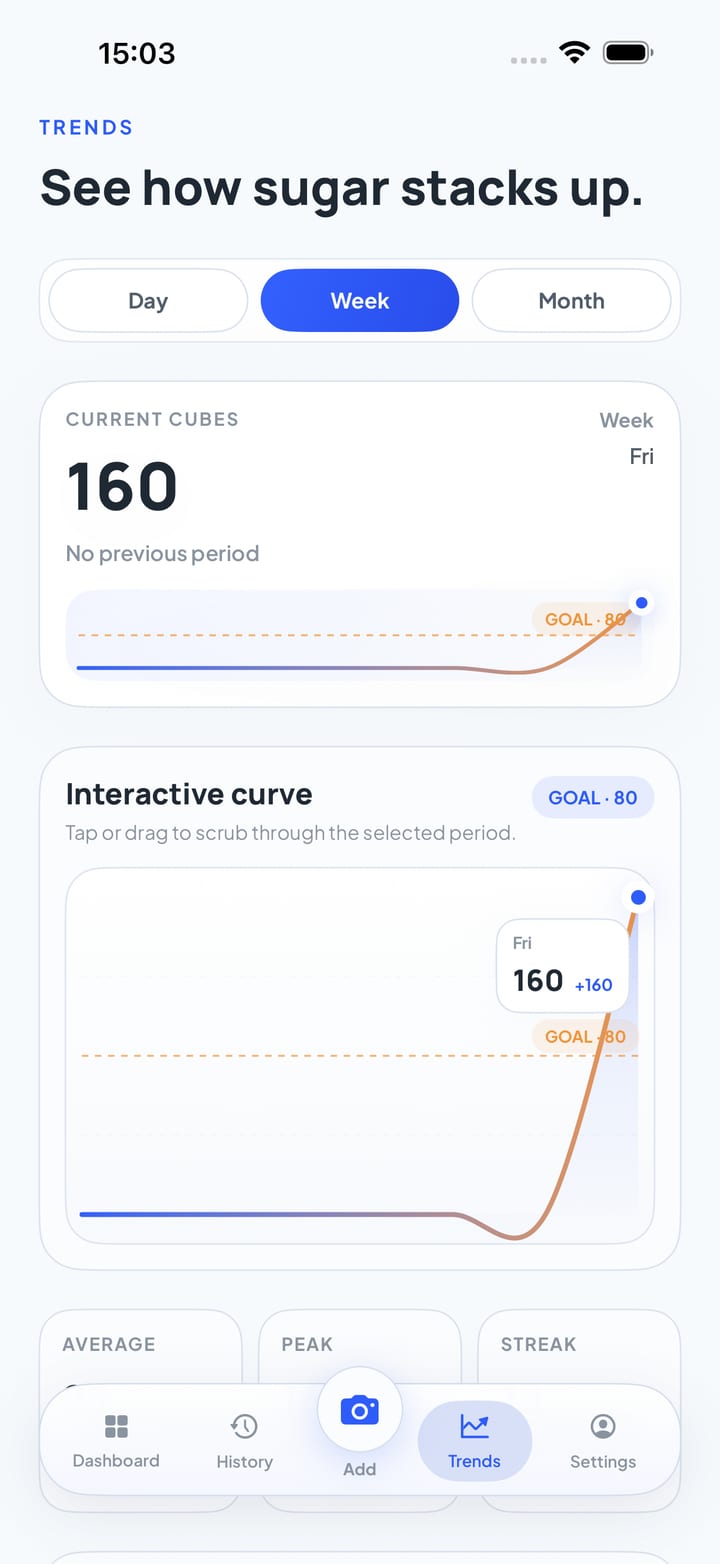
Instead of forcing every moment into dense nutrition tables, SugarCurfew shows sugar as simple cube-style counts. This makes daily totals, recent entries, and trends easier to scan at a glance.
The app also remembers confirmed local entries on your device, so repeated items can become faster to review later.
Private by design
SugarCurfew is designed to work without accounts, ads, analytics SDKs, or third-party tracking.
- Photos and OCR text are processed on your device.
- Photos and OCR text are not sent to a third-party AI service or cloud server.
- Confirmed records stay on your device.
- Manual backup files are created only when you choose to export them and do not include photos.
For details, see the SugarCurfew Privacy Policy.
Get it on the App Store
SugarCurfew is now available on the App Store. It is completely free — no subscriptions, no in-app purchases, no account required.
You can also find it on Product Hunt.
System requirements
Requires iOS 17.0 or later.
Support
If you run into issues or have suggestions, email:
- Email: contact@kuroneko-cmd.dev
You can also find app-specific notes on the site’s Support page.