TalkMirror 2.0 is available on the App Store. Released September 28, 2026. Read the 2.0 release post for the story behind the five themes and iPad support.
Hear yourself instantly
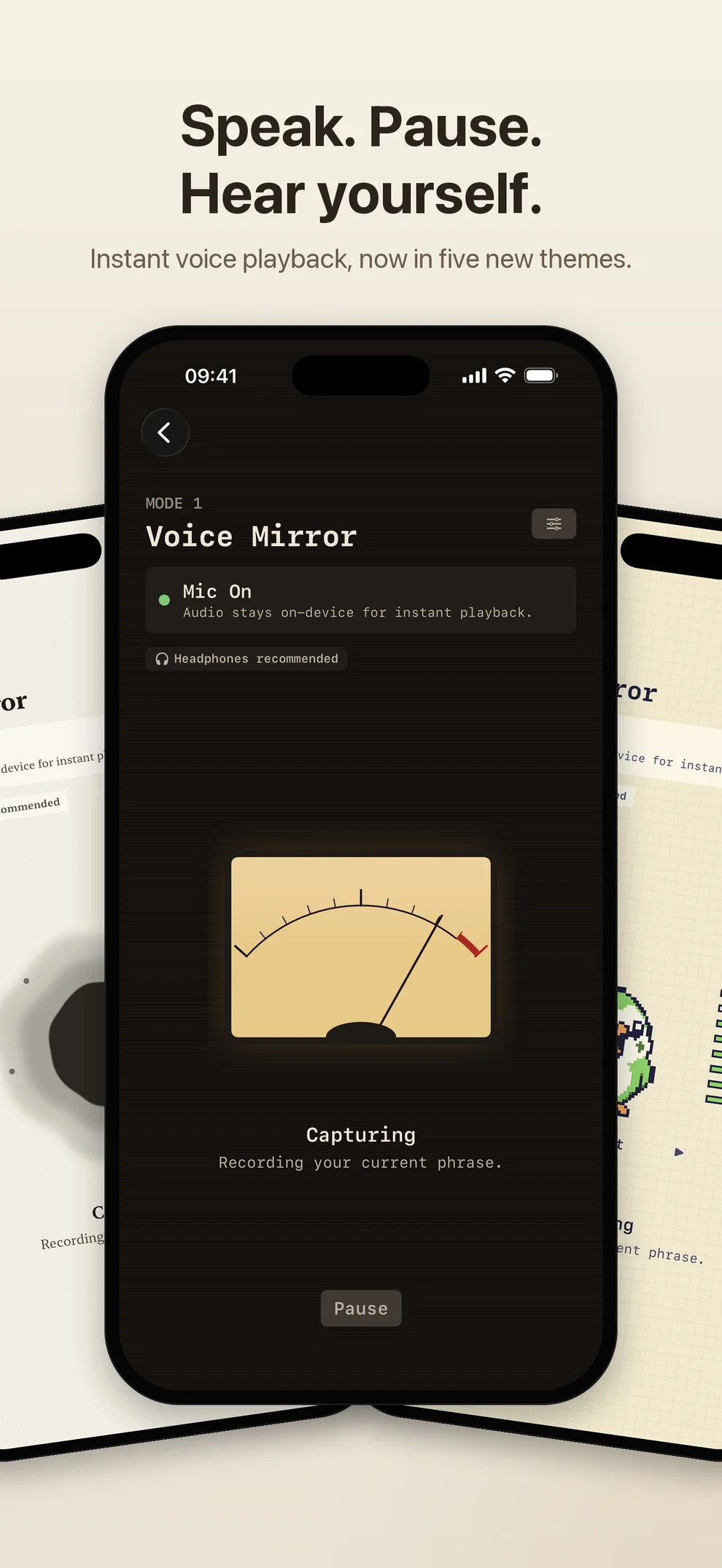
Say a phrase, pause naturally, and hear your voice right away. TalkMirror works like an acoustic mirror, so you can notice pronunciation, pacing, rhythm, and clarity while the moment is still fresh.
There is no course to keep up with and no daily task to finish. Open it when you want to practice, then stop whenever you are done.
Five themes, one voice mirror
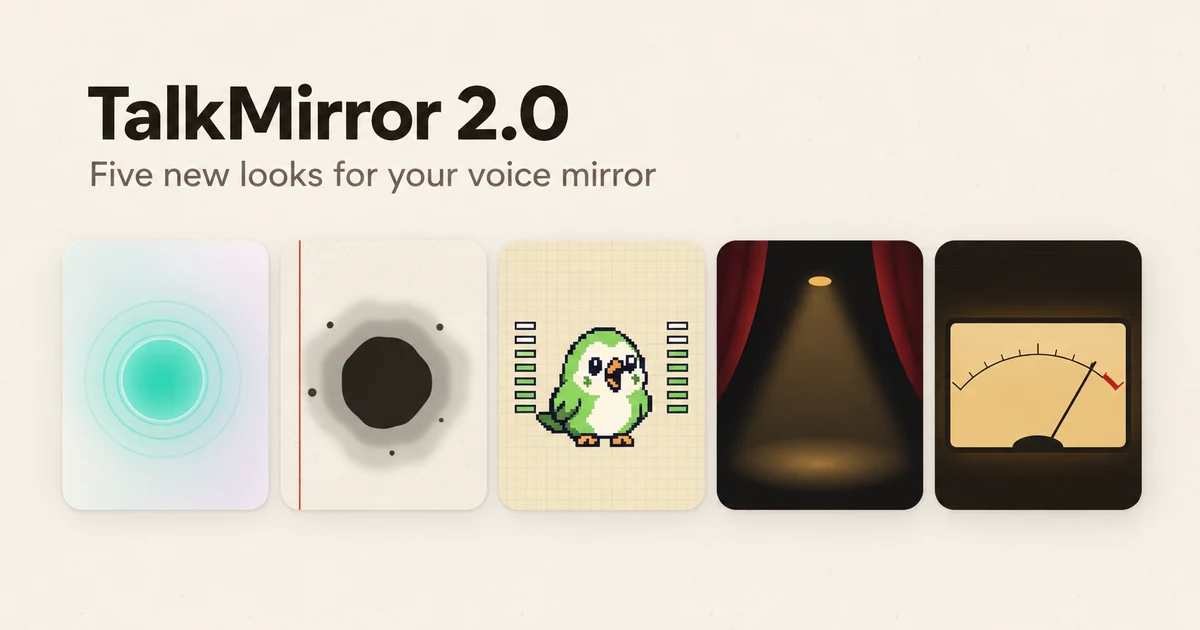
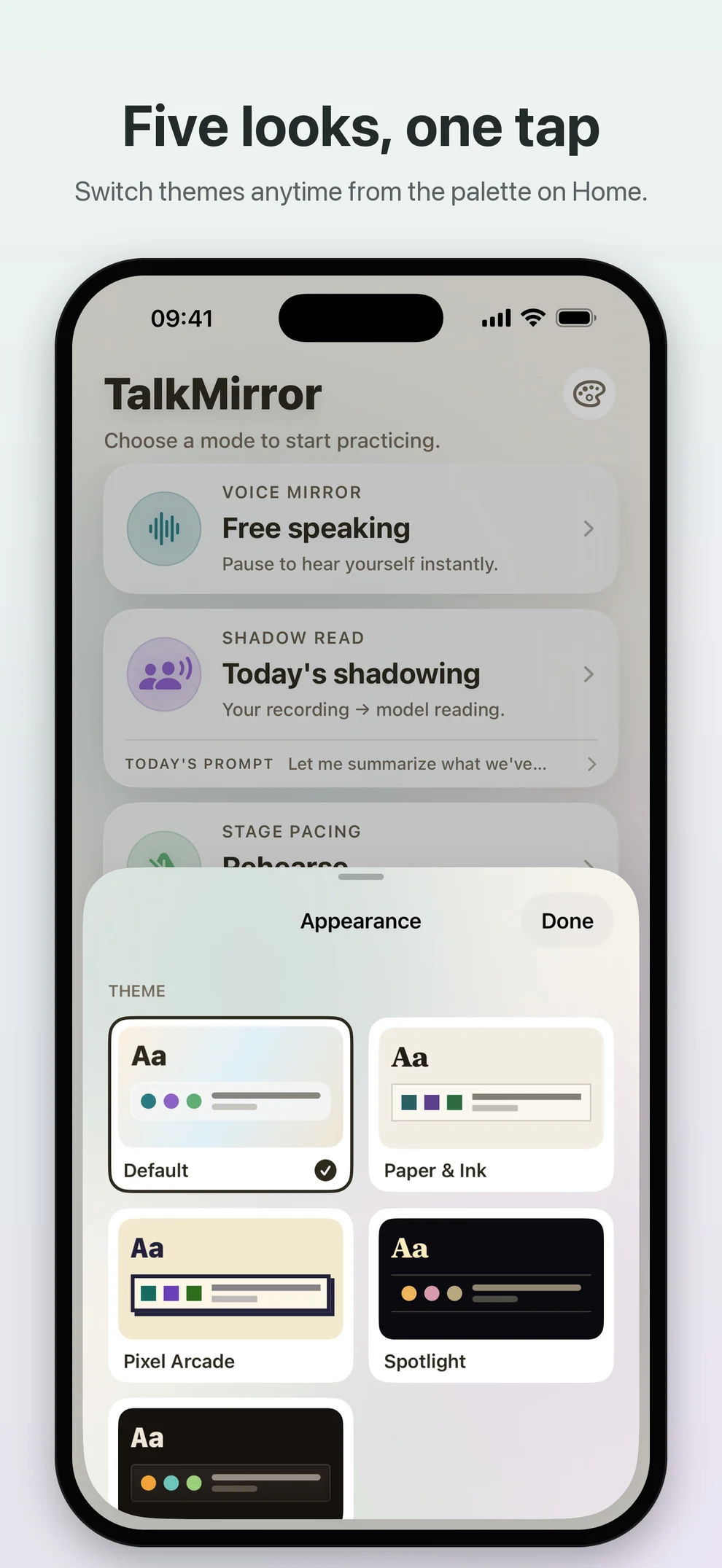
TalkMirror 2.0 gives the whole app five looks, and each one redraws all three practice modes rather than just changing an accent color:
- Default: a calm glass look with a soft orb that responds to your voice.
- Paper & Ink: serif type on paper; an ink drop spreads while you speak, and Stage Pacing writes its timer as a brush circle.
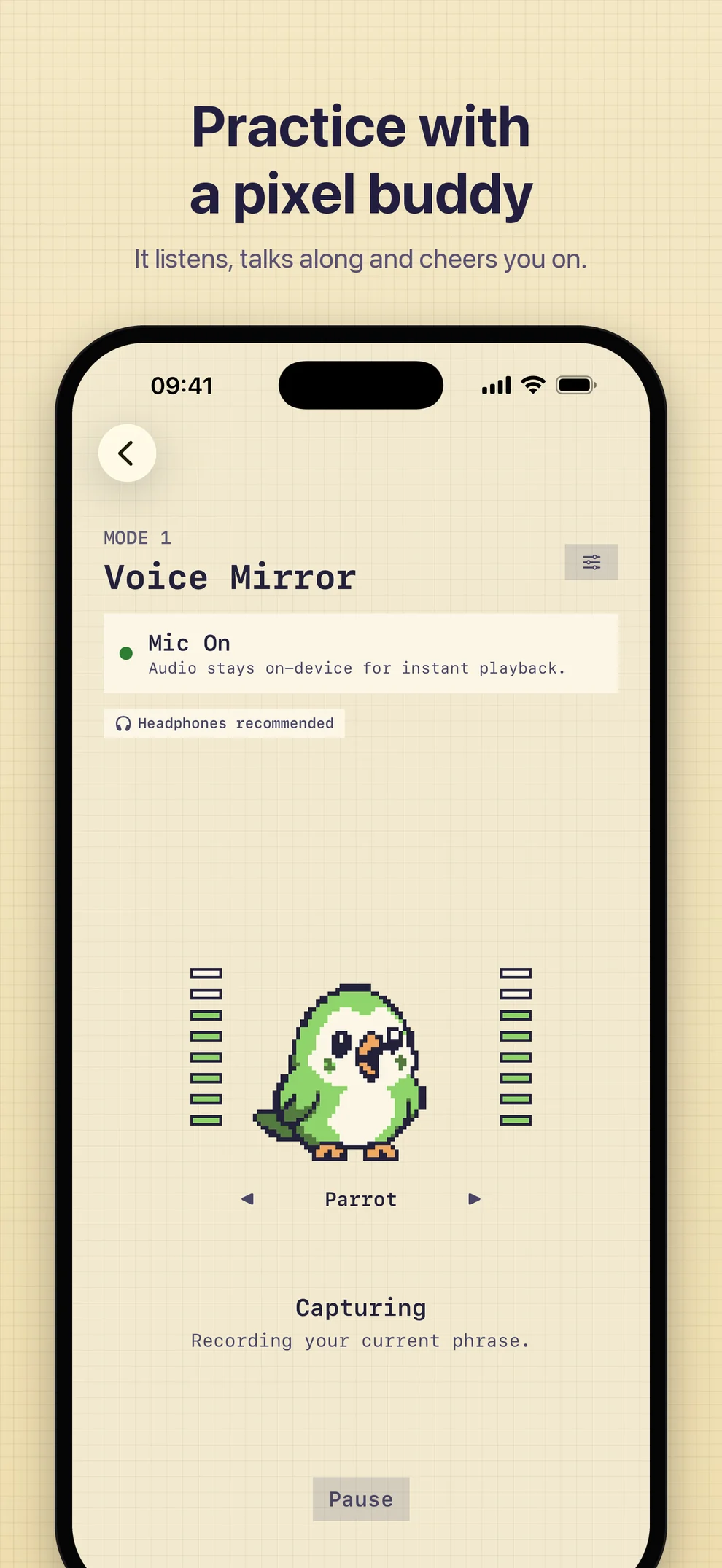
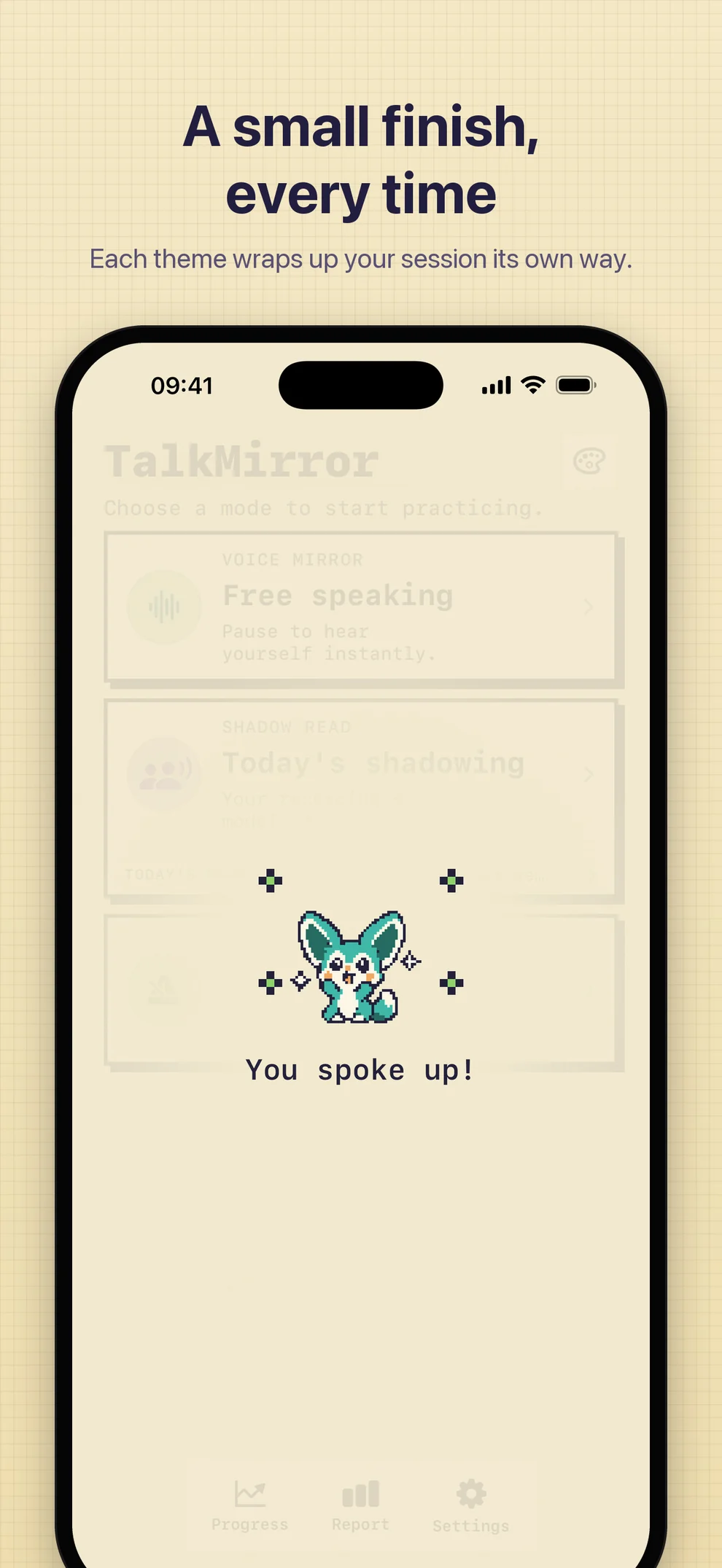
- Pixel Arcade: a pixel companion (a parrot, a fennec, or a headphone kid) listens, talks along, and cheers when you finish.
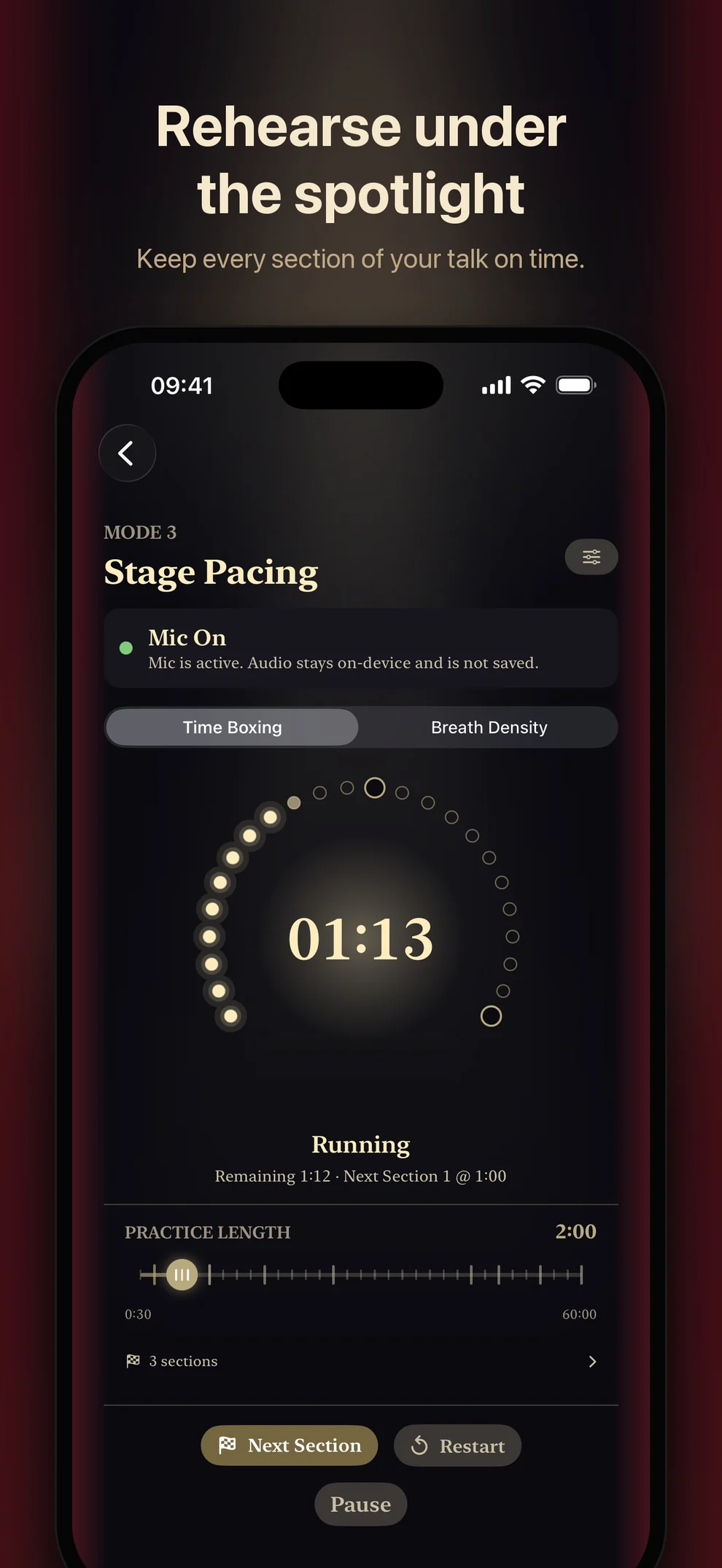
- Spotlight: a dark stage where a spotlight brightens with your voice and footlights count down your rehearsal.
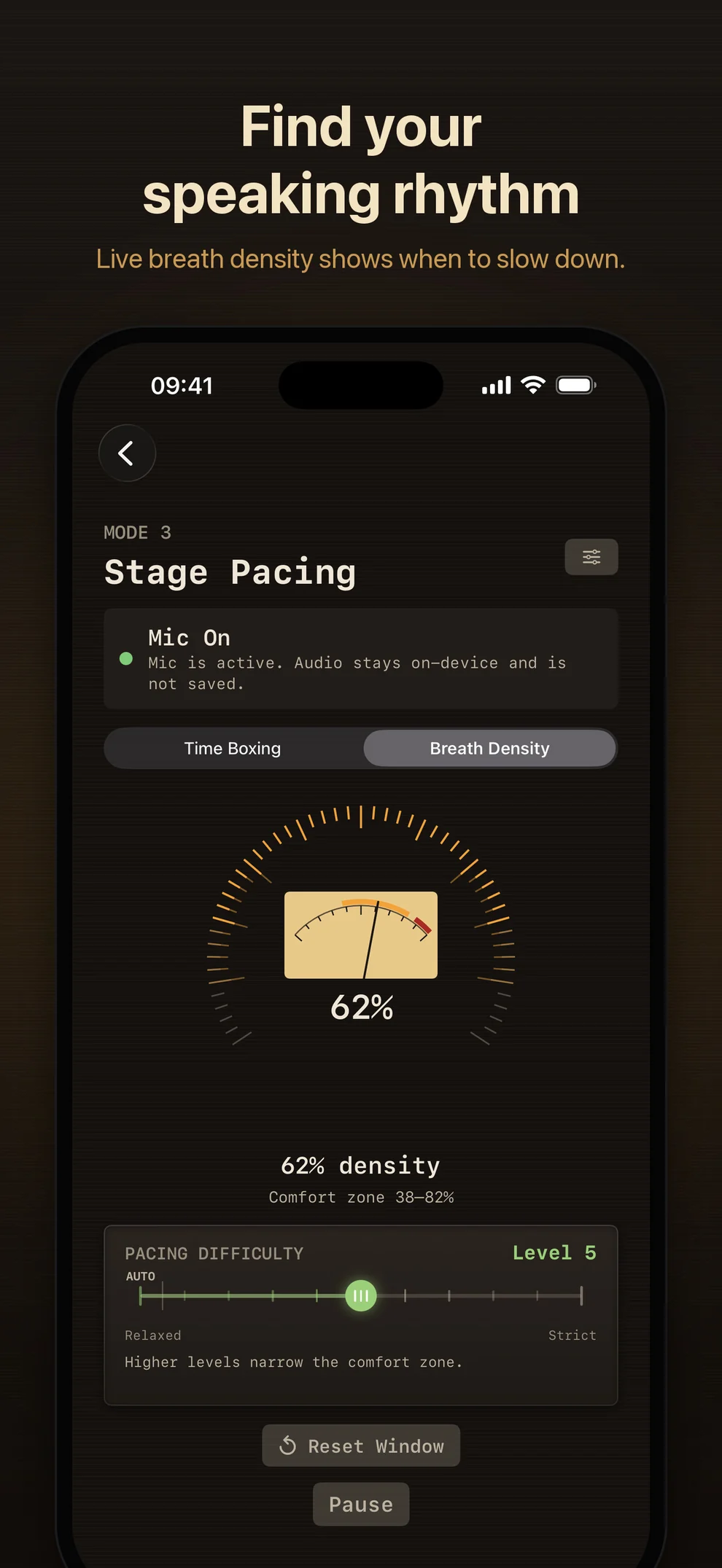
- Night Radio: an amber VU meter, a tuning dial for timing, and an oscilloscope for Shadow Read.
Switch themes from the palette button on the home screen or in Settings. Themes are free and change appearance only; the practice itself works the same in every one.
Practice in three ways
Free speaking — Voice Mirror
Use Mode 1 as a voice mirror for free speaking, reading aloud, or getting comfortable hearing your own voice. On first launch, TalkMirror now takes you straight here with one short sentence to read, so the first thing you do is hear yourself.
Shadowing — Shadow Read
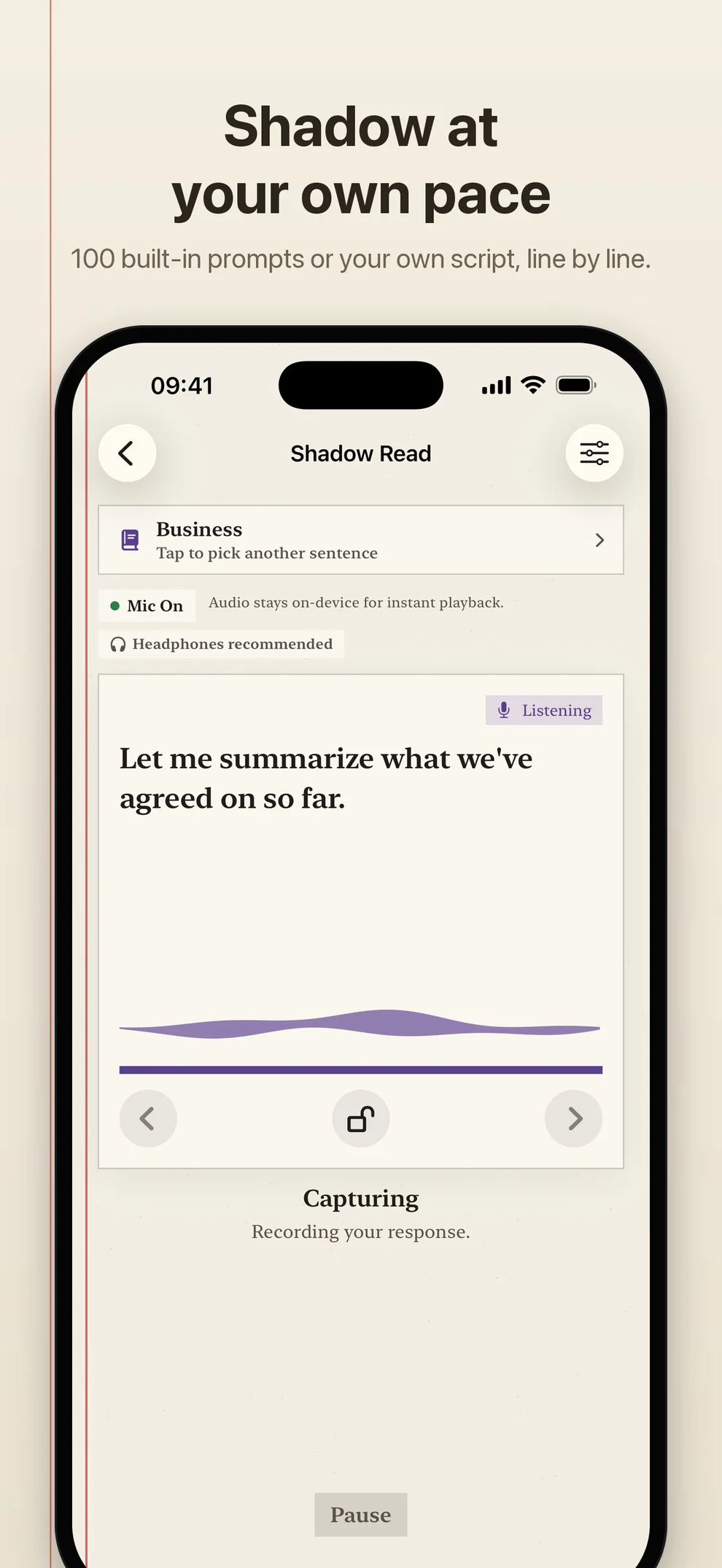
Choose an optional prompt from the free built-in practice library, or use your own text. Work through it one phrase at a time, hearing your recording followed by an Apple system reference voice. The built-in core-100 pack contains 100 original English prompts across everyday, business, and travel situations. It is optional practice material, not a course or a completion target.
Rehearsal — Stage Pacing
Prepare a presentation, interview, speech, phone call, or script before it begins. Time Boxing helps you rehearse against a chosen duration and optional section checkpoints. Breath Density shows how much of the recent window contains speech, with an Auto setting and adjustable levels so the guidance fits different speaking rhythms. In 2.0 the screen is calmer: a thin ring and a soft light, with each theme drawing its own version.
Now on iPad
TalkMirror runs natively on iPad with a centered layout and practice visuals that scale up with the screen. In a narrow Split View window, it uses the iPhone layout.
Fewer interruptions
You can put on or take off headphones or AirPods in the middle of a session; audio moves to the new device and practice continues. On the built-in speaker, Shadow Read waits a moment after the reference voice before listening again, so the room’s echo is less likely to be mistaken for your voice. When you are practicing on the speaker, a small label suggests headphones.
After a session in which you spoke, the home screen plays a two-second finish in your theme’s style. It shows no scores, counts, or durations, and you can turn it off in Settings.
Return without pressure
The home screen offers one direct path to each mode, with an optional Today’s prompt for Shadow Read. Practice reminders are local, optional, and off by default. The Progress page shows recent activity and recorded practice time without streak loss, missed-day warnings, rankings, or a daily obligation.
Privacy-first by design
TalkMirror is built around a strict microphone and privacy rule set:
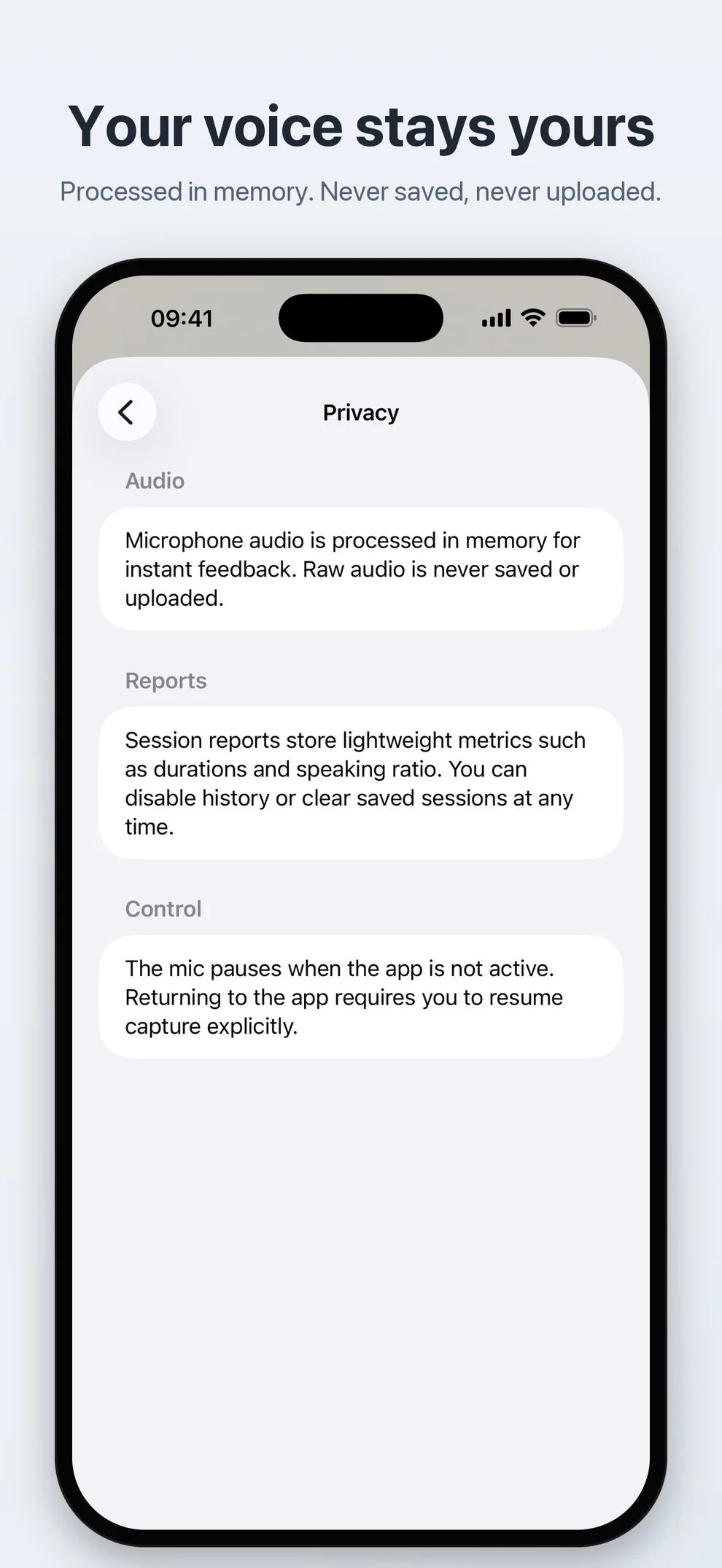
- RAM-only audio: Practice audio is processed in memory for immediate playback and is not saved as audio files by the app.
- Offline core practice: The three practice modes work without an account, cloud sync, or a developer-operated audio server.
- Foreground‑only: The microphone stops when the app goes to the background or the screen locks, and it does not automatically resume. Switching headphones keeps a session going; calls and other interruptions still pause it.
- Metrics only: Optional reports can save simple technical metrics (duration, counts, settings), not audio content.
Pricing
TalkMirror is 100% free:
- All three core modes and all five themes
- The built-in practice library
- No subscriptions
- No ads
- No locked features
If it helps your practice, you can support development via the optional Tip Jar in Settings.