SentenceDeck is now available on the App Store. It turns any sentence into natural-sounding speech so you can practice listening and pronunciation at your own pace.
Backstory
The idea came from TalkMirror — a free voice-playback tool I built for pronunciation and shadowing practice. TalkMirror lets you record your own voice and play it back instantly, which turned out to be surprisingly useful for a lot of people.
But the feedback kept pointing to the same gap: playing back your own voice is great for self-correction, yet what learners really need is a reference pronunciation — hearing how a sentence is supposed to sound. SentenceDeck fills that gap.
How it works
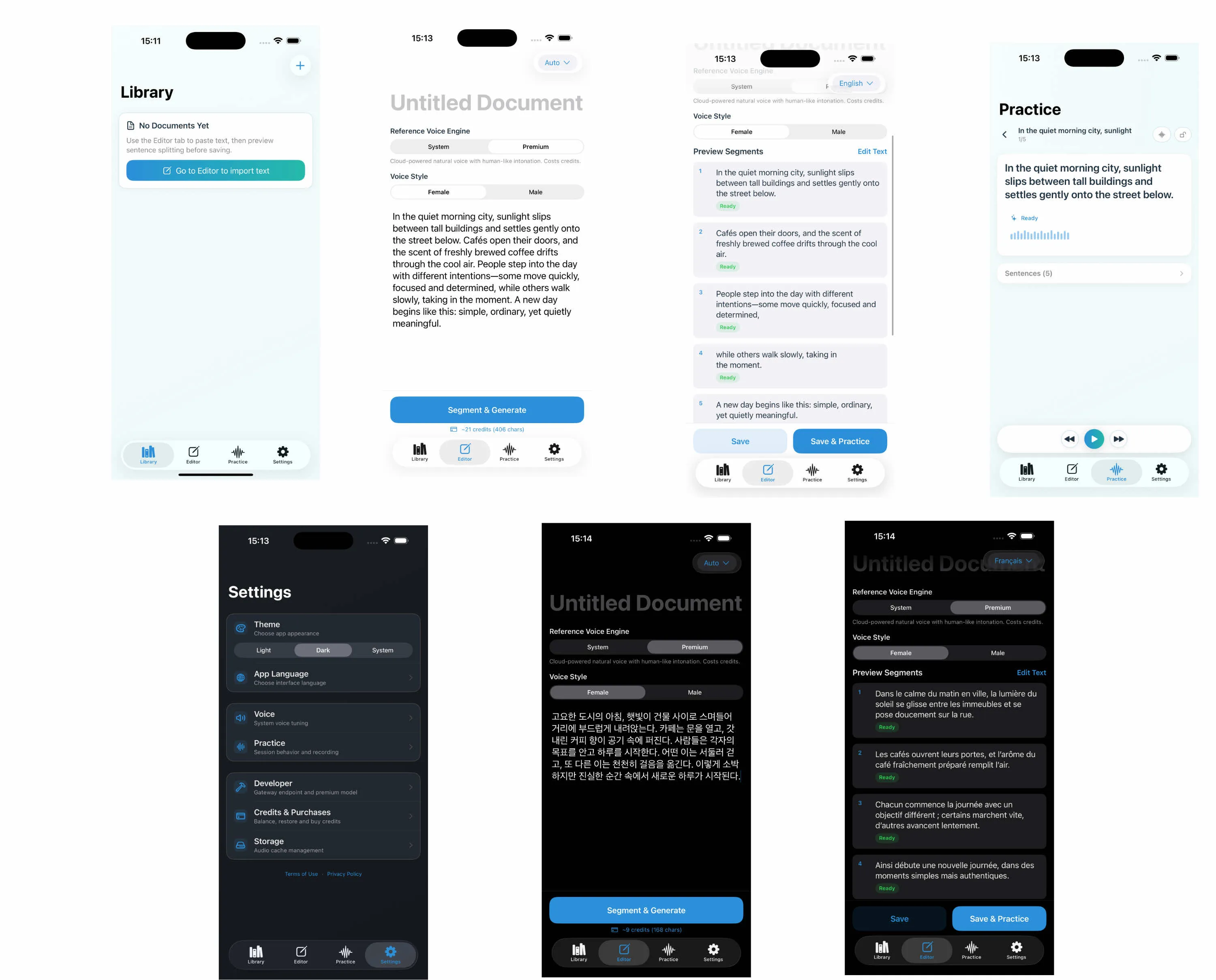
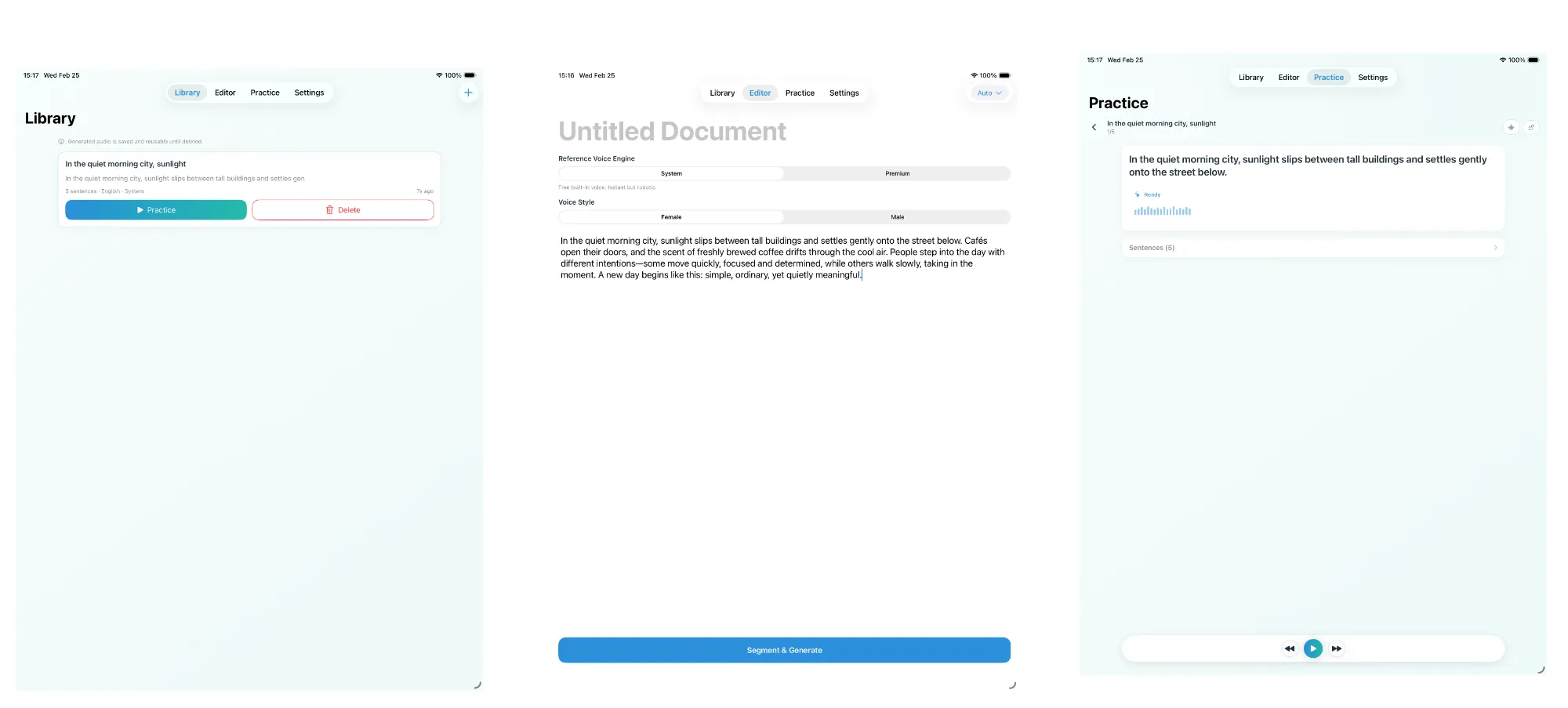
The workflow is simple: paste or type any sentence, pick a voice, and tap generate. The audio is saved locally on your device so you can replay it anytime — even offline.
There are two TTS engines to choose from:
- Cloud TTS — high-quality voices powered by Google Cloud Text-to-Speech. Each generation costs a small number of Credits.
- System TTS — uses the built-in iOS speech engine. Completely free and works offline. Quality depends on the iOS voices you’ve downloaded.
Key features
- Local storage — all generated audio stays on your device. No cloud sync, no account needed.
- Multi-language support — works with any language supported by the TTS engines.
- Pay-as-you-go credits — no subscriptions. Buy Credits when you need them; they never expire. System TTS is always free.
- Privacy first — no analytics, no tracking, no sign-up required.
Room for improvement
SentenceDeck is still young. There’s plenty of room to grow — better sentence management, more practice modes, and tighter integration with learning workflows. If you have ideas or run into issues, I’d love to hear from you.